Is Buffer Legit?
Buffer is legit: its Terms name Buffer, Inc. in San Francisco, and it publishes its own revenue, customer count and salaries on buffer.com.

Our Buffer review finds a legit, easy social media scheduler with a free plan for three channels and paid plans from $5 a channel a month, billed yearly. It posts to 12 networks plus its own link-in-bio Start Page, and every plan includes an AI Assistant. The catches: the bill grows with each channel, approvals need the Team plan, and analytics draw the most complaints.
Buffer is legit and worth it for creators and small teams: it has run since 2010, has a free-forever plan and charges from $5 a channel a month.
Buffer is legit: its Terms name Buffer, Inc. in San Francisco, and it publishes its own revenue, customer count and salaries on buffer.com.
Buffer has a free-forever plan for three channels and one user, with 10 scheduled posts per channel at a time and the AI Assistant included.
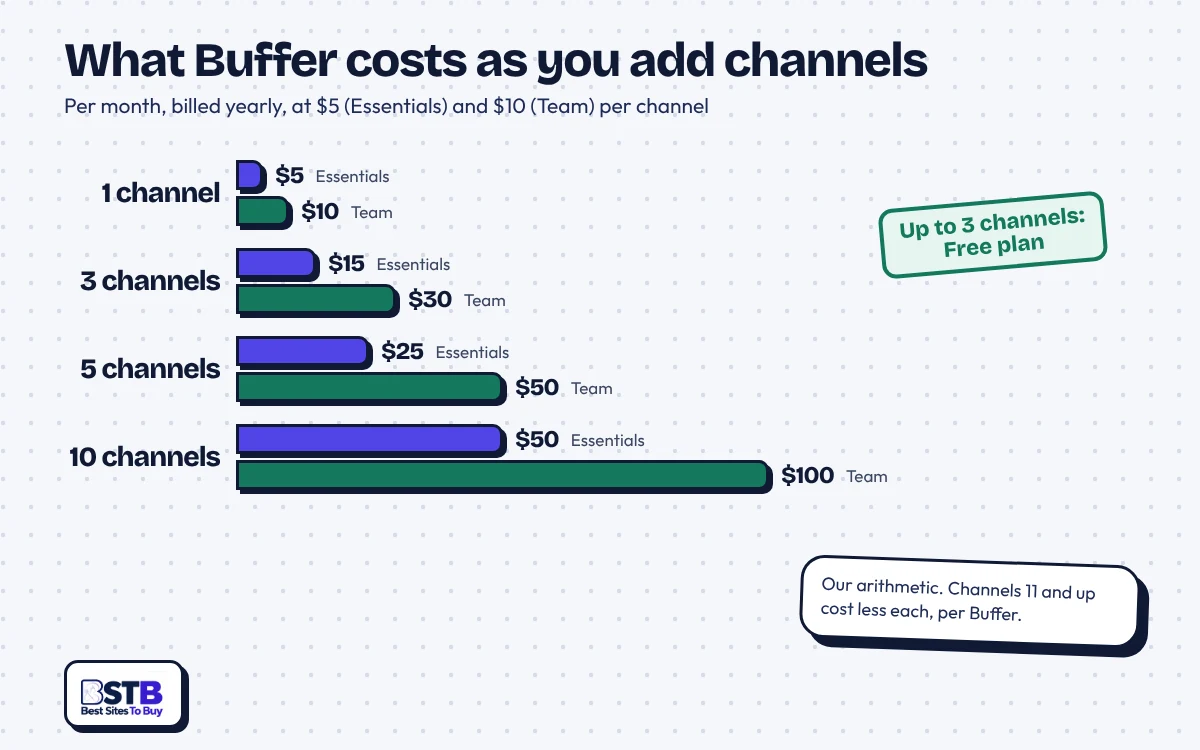
Buffer Essentials costs $5 and Team $10 per channel a month billed yearly, so five channels on Essentials come to $25 a month.
Buffer is best for creators, freelancers and small businesses with a handful of channels who want a clean queue more than deep reporting.
Buffer lets you cancel in Billing any time and refunds within 7 days of starting a monthly plan or 30 days of an annual one.
Buffer's main drawback is cost at scale: every connected profile is a paid channel, and approvals and branded reports need Team.
Buffer scores best on scheduling and ease of use, with 12 networks and a 4.6 Capterra ease-of-use score, and weakest on analytics, the most common complaint in user reviews. Here is each factor in one line.
Buffer schedules to 12 networks plus its Start Page, with unlimited queued posts on paid plans, though TikTok and Facebook Groups use notification publishing.
Buffer keeps 30 days of Insights history on Free and advanced analytics on paid plans, but limited analytics is the top complaint on G2.
Buffer has a free plan for three channels, and Essentials costs $5 a channel a month billed yearly, which adds up with many channels.
Buffer earns 4.6 out of 5 for ease of use on Capterra, and G2 reviewers praise its simple, intuitive interface most often.
Buffer offers a help center, email and a Discord community, but lists no phone line, no confirmed live chat and no reply time.
Buffer refunds monthly plans within 7 days and annual plans within 30 days of starting, though its Terms still call fees non-refundable.
Buffer is a legit, simple scheduling tool with a free plan for three channels, paid plans from $5 a channel a month and refunds within 7 or 30 days. It suits creators and small teams; agencies with many channels should price the per-channel cost first.
Our bottom line
Buffer
buffer.com · Social media scheduling and management tool
The easiest scheduler to start with, as long as your channel count stays small.
Buffer covers 12 networks, a link-in-bio Start Page and an AI Assistant on every plan, and Essentials costs $5 a channel a month billed yearly. But every channel adds to the bill, approvals and branded reports need Team, and its Terms still say fees are not refundable.
Buffer pricing runs from a $0 free plan to $5 a channel a month for Essentials and $10 for Team, billed yearly. Nonprofits get 50% off paid plans.
Prices billed yearly ($60 and $120 a channel a year), read on buffer.com/pricing on Oct 21, 2026; Buffer says its pricing was last updated in November 2025. Monthly billing costs more, and channels above 10 cost less each.
Check these six things before paying for Buffer, because the bill is built from the number of channels you connect.
Buffer reviews in AI answers are positive, calling it clean, approachable and practical, while the one Reddit thread about the tool asks whether scheduling hurts reach.
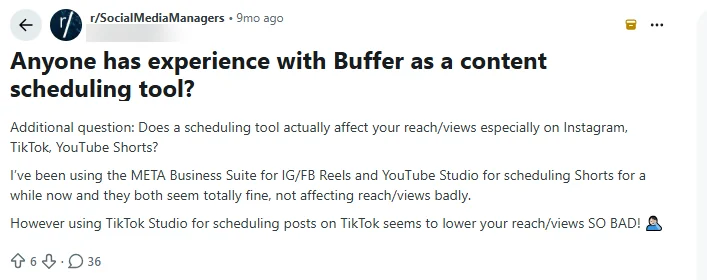
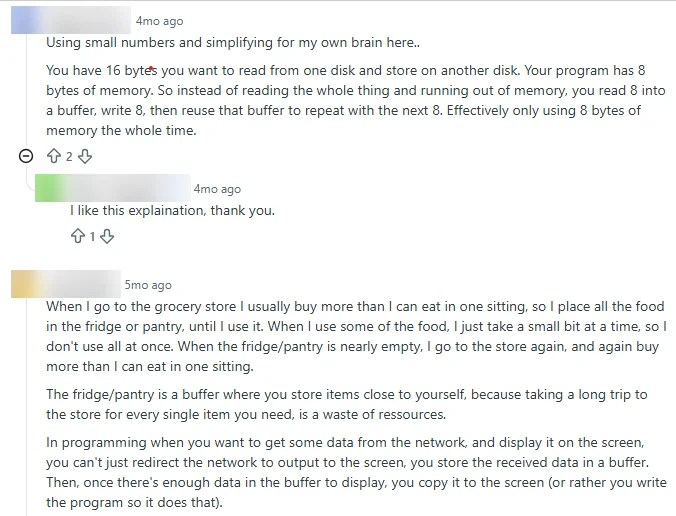
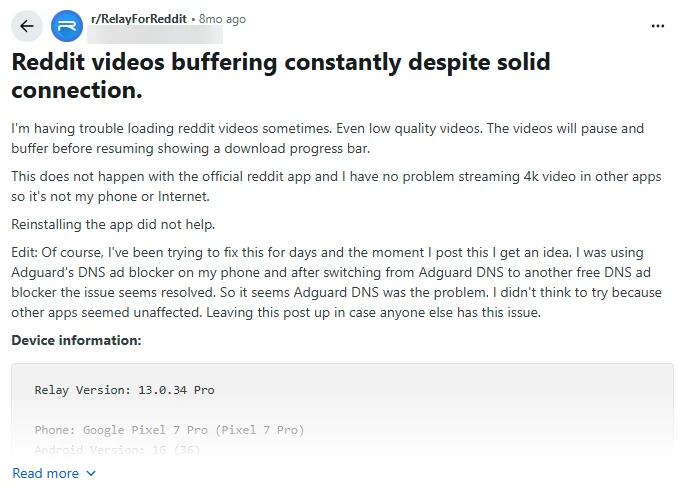
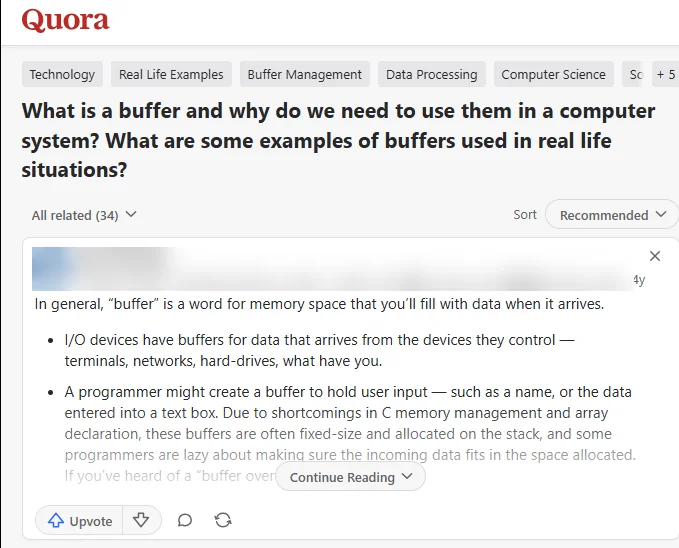
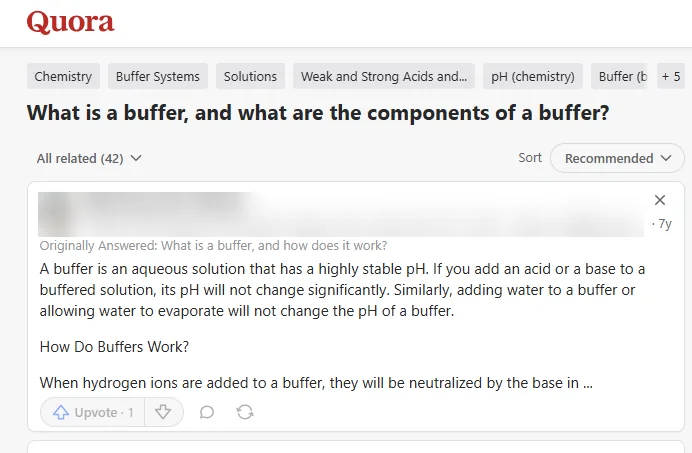
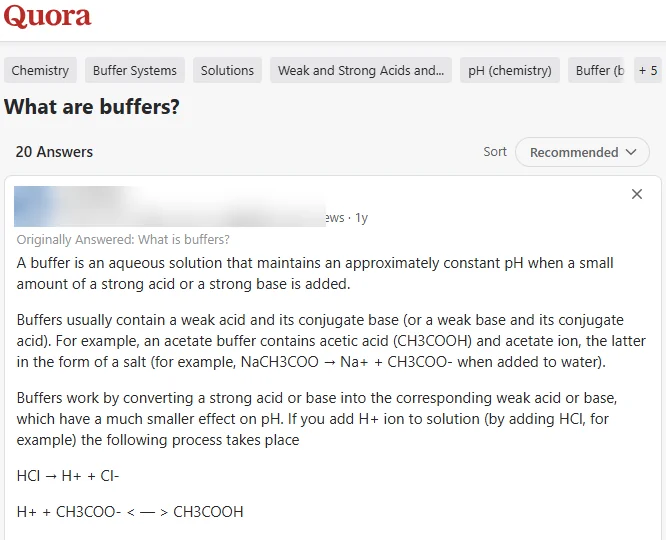
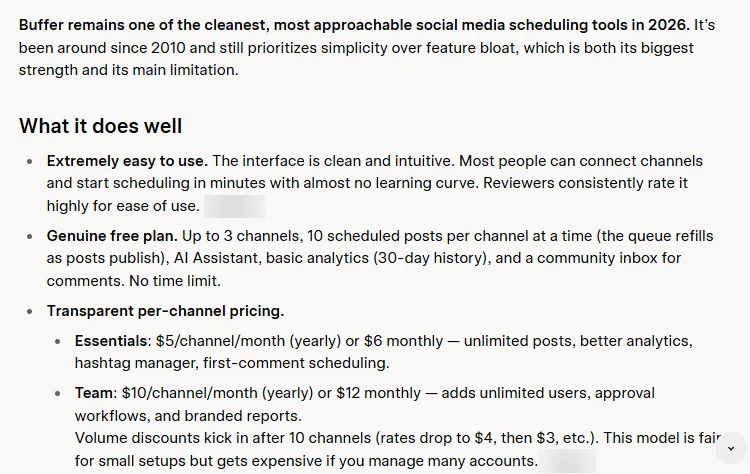
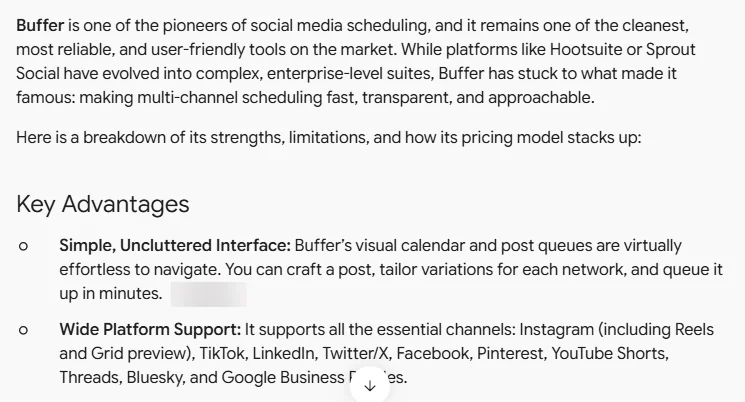
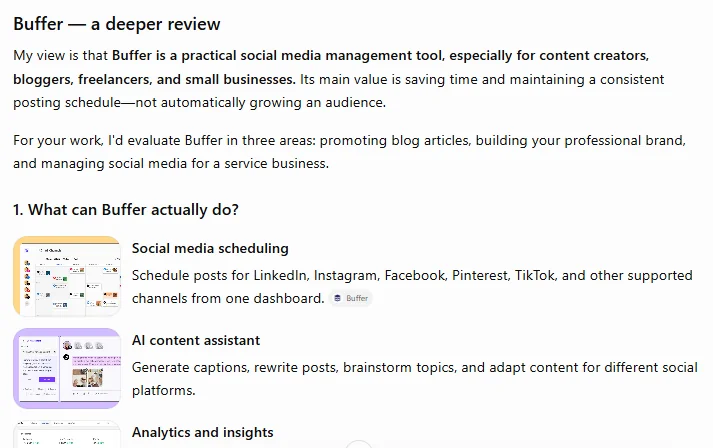
Swipe or scroll sideways to see every screenshot. These are individual opinions we could not verify; usernames, avatars and Quora credentials are blurred, as are two citation chips in the Grok answer (a growth seller and an unidentified site) and a rival tool's chip in the Gemini answer. Five of the six Reddit and Quora shots are about the everyday word "buffer" (memory, chemistry, video buffering), not Buffer the tool, and are shown only so the set is complete.
This full Buffer review checks plans, features, networks, billing rules, support and alternatives against Buffer's own pages and public user reviews from October 2026. Jump to the part you need.
Buffer is a social media scheduling tool that queues, publishes and analyzes posts across 12 networks, from Instagram and TikTok to Bluesky, Mastodon and Substack, from one dashboard.
Buffer sells software, not engagement: you connect accounts you already own and post to them from its queue. As the ChatGPT answer above puts it, its value is saving time, "not automatically growing an audience".
The company is named in its Terms of Use as Buffer, Inc., at 2443 Fillmore Street in San Francisco, California. Its About page says Buffer started as "a Startup Sprint project in November 2010" and lists Joel Gascoigne as CEO and co-founder. Buffer went "fully remote and distributed" in 2013 and now lists 73 teammates across 15 countries.
Buffer publishes live company numbers: on October 21, 2026 its homepage showed 299,484 monthly active users, 83,985 customers and $27.5M in annual recurring revenue, figures we could not audit. This Buffer review describes plans and features from Buffer's own pages and public user reviews. BSTB is not affiliated with Buffer.
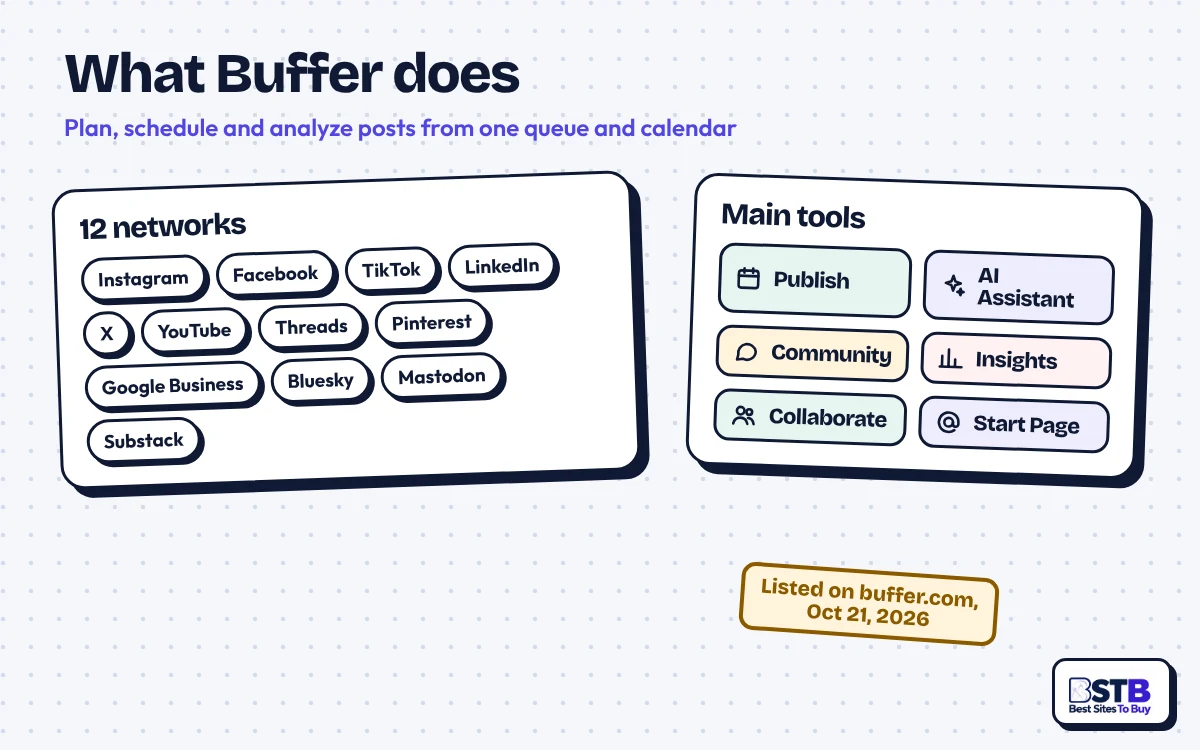
Buffer features cover a posting queue and calendar, an AI Assistant, an ideas library, a community inbox for comments, Insights analytics, a Start Page and an API with MCP access. Which extras you get depends on the plan.
| Feature | What Buffer offers | Plan needed |
|---|---|---|
| Publishing | Queue and calendar for every connected channel, with per-network edits | All plans (Free: 10 scheduled posts per channel at a time) |
| AI Assistant | Brainstorms ideas, rewrites content and drafts platform-specific posts | All plans; Free AI replies capped at 5 suggestions a week |
| Ideas | A library to save, organize and repurpose content ideas | Free 100 ideas; paid plans unlimited |
| Community | Reply to comments across channels from one inbox | All plans |
| Insights | Post and channel analytics | Free 30-day history; advanced analytics on paid plans |
| First comments and hashtags | Schedule a first comment; save hashtag groups | Essentials and Team |
| Collaboration | Unlimited team members, access levels and approval workflows | Team only |
| Branded reports | Reports with your own branding for clients or bosses | Team only |
| API and MCP | Connect Buffer to automations and AI assistants such as Claude and ChatGPT | Free 1 key; Essentials 3; Team 5 |
Read on buffer.com and buffer.com/pricing on October 21, 2026. Integrations listed on the homepage include Canva, Google Drive, Dropbox, Unsplash and Zapier, and there is a mobile app.
Buffer's AI Assistant comes with every plan, including Free, which is rare among schedulers. Buffer says it brainstorms ideas, rewrites content and drafts posts tailored to each platform. The free plan limits AI reply suggestions in the community inbox to five a week. Treat AI drafts as a starting point and edit them in your own voice; for other options, browse our AI tools for social media.
Buffer's Start Page is a built-in link-in-bio page that connects as its own channel, so a simple setup needs no separate link tool. The community inbox gathers comments from channels such as Instagram business accounts, Facebook Pages, X, LinkedIn, Threads and YouTube Shorts.
Buffer supports 12 networks: Instagram, Facebook, TikTok, LinkedIn, X, YouTube, Threads, Pinterest, Google Business Profile, Bluesky, Mastodon and Substack. Its own Start Page connects as an extra channel type.
The details matter. Buffer's help center says Instagram business and creator accounts and Facebook Pages publish directly, while TikTok, Instagram personal accounts and Facebook Groups use notification publishing, where Buffer reminds you and you finish the post in the app. YouTube support covers Shorts, and Substack covers Notes only. Facebook personal profiles and LinkedIn groups cannot be connected because of API limits.
Older legacy plans must move to a current plan to add newer networks such as TikTok, Threads and Bluesky. Buffer shows no analytics for Instagram Reels or Facebook stories.
Each network still sets its own rules. Buffer's Terms say your content may not violate the terms or policies of the platforms it connects to, and paid plans have a fair use cap of 5,000 scheduled posts per channel.
Buffer pricing starts at $0 on Free, then $5 a channel a month for Essentials and $10 for Team, billed yearly. That is $60 and $120 a channel a year, and every connected profile is a channel.
| Buffer plan | Users | Price per channel | Free trial |
|---|---|---|---|
| Free | 1 user, up to 3 channels | $0 forever | Not needed |
| Essentials | 1 user | $5 a month billed yearly ($60 a year) | 14 days |
| Team | Unlimited users | $10 a month billed yearly ($120 a year) | 14 days |
From buffer.com/pricing, read October 21, 2026, in USD. Buffer says its "pricing was last updated in November 2025". UK consumers are charged VAT.
Monthly billing costs more. The pricing page shows yearly prices with "save 2 months", which points to about $6 and $12 a channel on monthly billing; third-party price guides quote the same figures, but we could not read the monthly toggle as text. The FAQ on the same page separately mentions "a 20% discount" for annual billing, so check the checkout total. Buffer accepts major credit cards only, with no PayPal or bank transfer, and nonprofits and charities get 50% off.
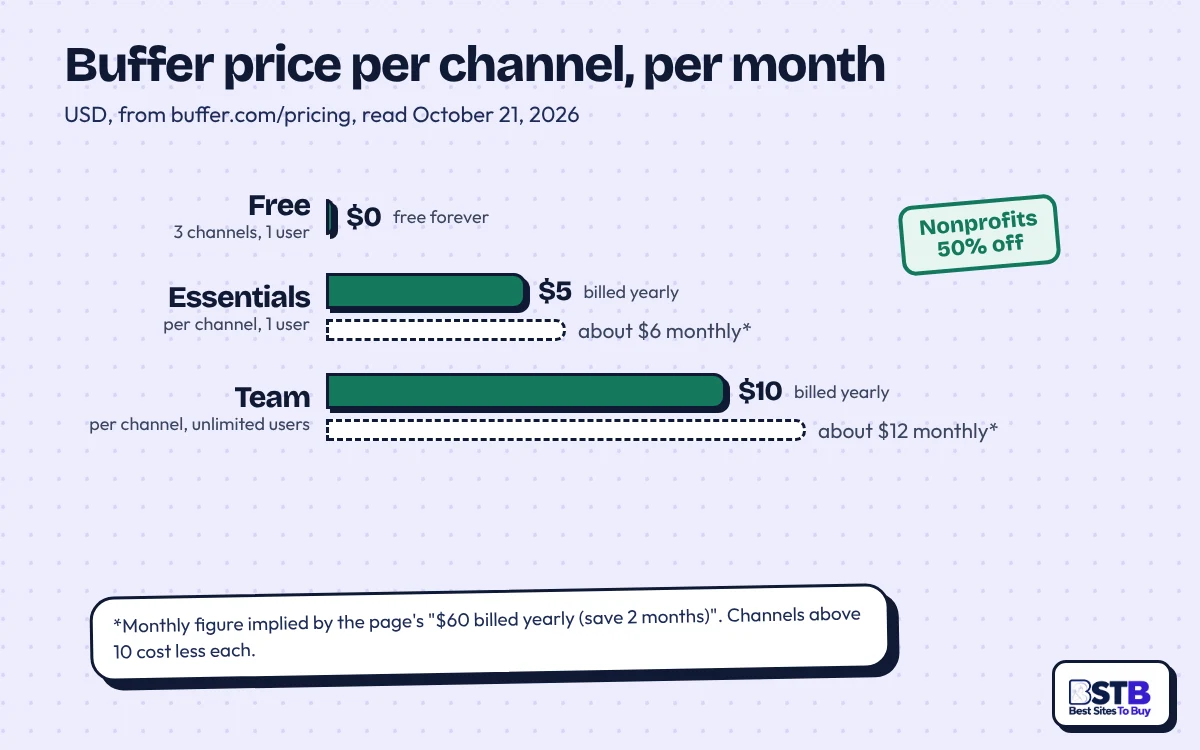
Buffer charges for each connected social account, not for each brand, client or user. Its own example: five brands with two profiles each is 10 channels. Upgrading from Free means paying for every connected channel, including the first three. Buffer says channels 1 to 10 are priced at the standard rate and "any channels above 10 cost less per channel", but it does not list those lower rates in text; third-party guides do, and we could not confirm them on buffer.com.
Buffer has both: a free plan with no time limit, and a 14-day free trial on Essentials and Team. The free plan covers three channels, one user, 10 scheduled posts per channel at a time, 100 ideas, the AI Assistant, a community inbox, Insights with 30 days of history and one API key. If you finish a trial without adding payment details, Buffer moves you to Free and locks any channels above three.
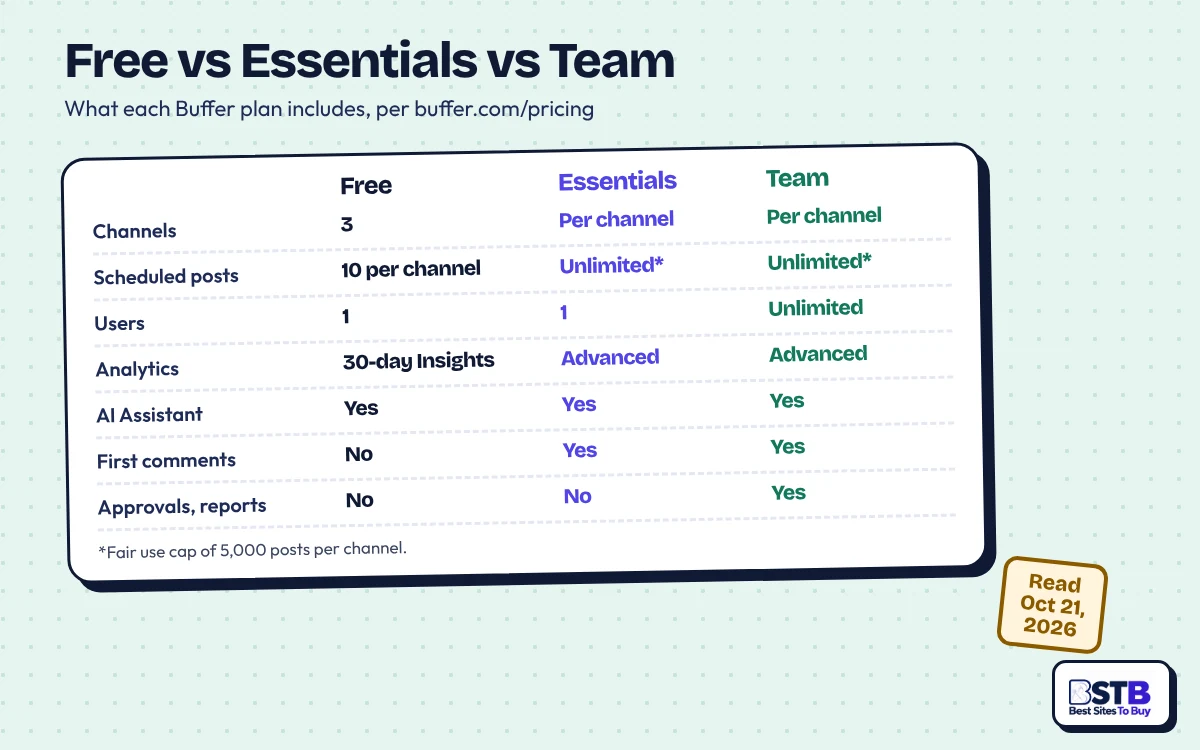
Buffer Essentials suits solo users, while Team is for anyone who shares the account or reports to a client.
Buffer can change its fees, its Terms say, and the binding text sets no notice period, although the plain-language summary beside it mentions advance notice. Material changes to the Terms take effect 30 days after notice.
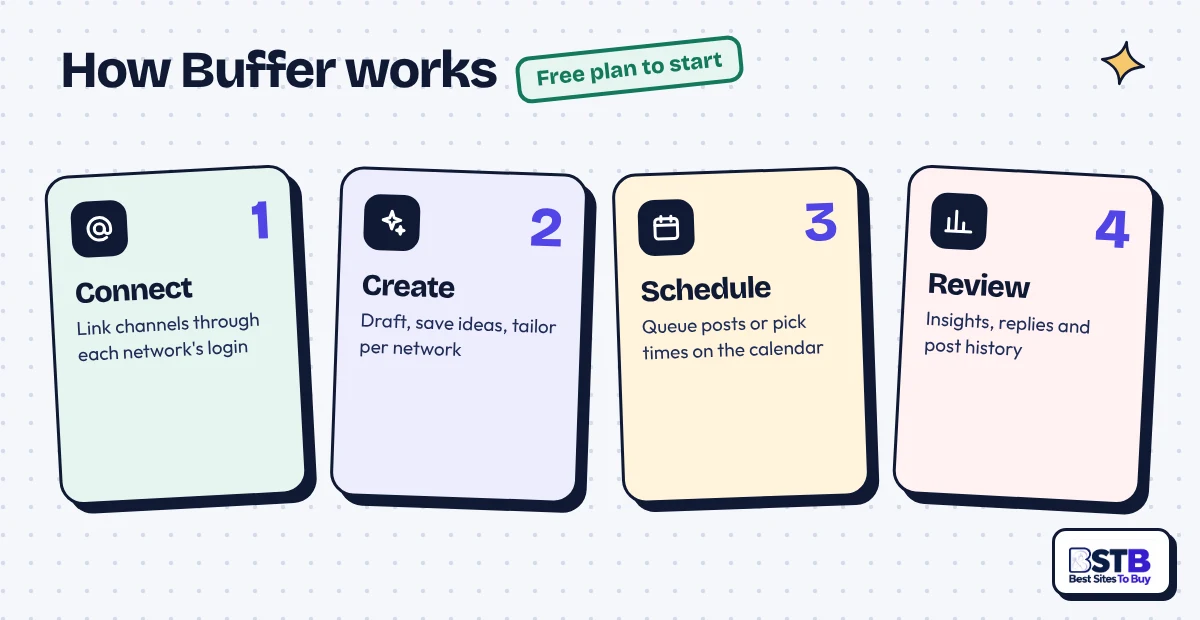
Buffer works by connecting your own social accounts through each network's login, then drafting posts and dropping them into a queue or calendar that publishes on schedule. You can start on Free with no trial needed.
Connecting through each network's official login means you never hand Buffer a password, and you can remove its access later in each network's settings.
Buffer is legit and safe to use: a named US company runs it, it connects through official logins, and it says it has not sold California residents' data. Its privacy policy was last updated on September 30, 2024.
We could verify the company, plans, trial, refund and cancellation pages on October 21, 2026, but not support response times, data-retention periods or security certifications.
The privacy policy says data from connected social accounts "will not be shared with any third parties", that data may be stored in the US and elsewhere, and that transfers rely on the EU-U.S. Data Privacy Framework and Standard Contractual Clauses. The Terms apply California law and binding arbitration with a class-action waiver, which you can opt out of within 30 days of accepting them.
Buffer is unlikely to get your account banned, because scheduling through official connections is normal, allowed platform use. The Reddit poster above felt only TikTok Studio scheduling hurt views, which is one person's experience. Buffer's Terms still require your posts to follow each platform's rules, so do not use any scheduler to flood or spam a profile.
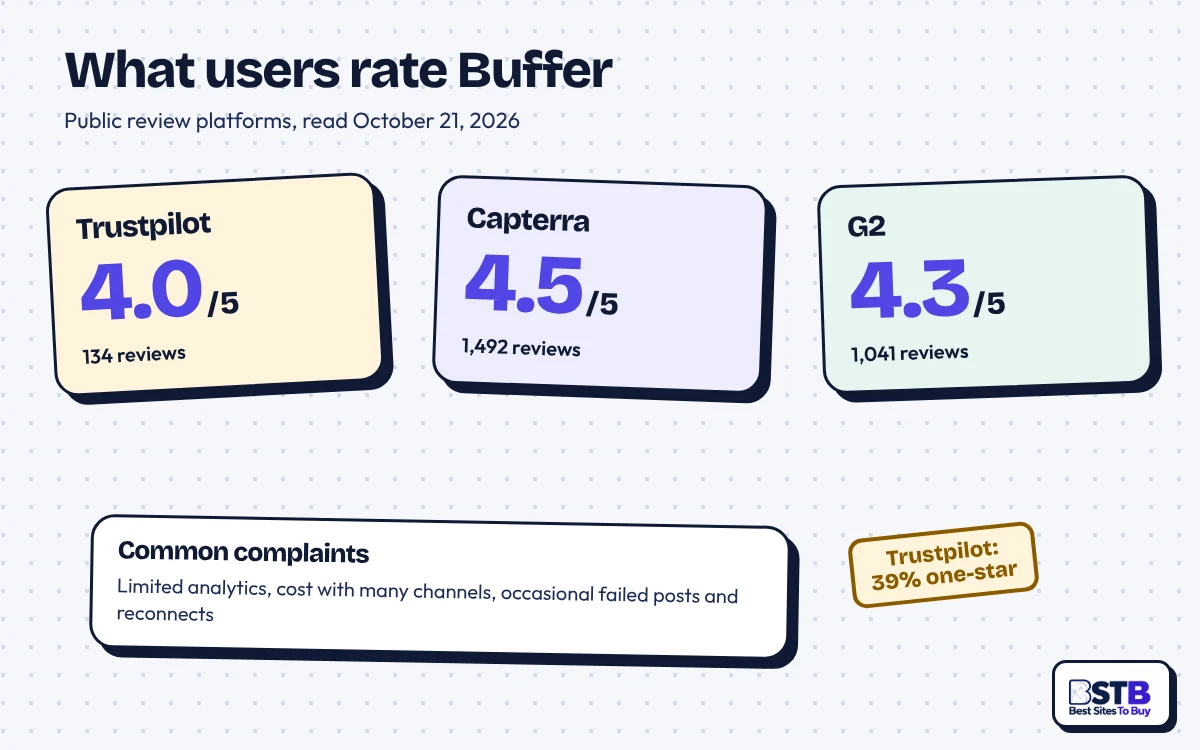
Buffer reviews are positive on software platforms and split on Trustpilot. On October 21, 2026 it showed 4.5 out of 5 from 1,492 reviews on Capterra, 4.3 out of 5 from 1,041 reviews on G2, and a 4.0 TrustScore from 134 reviews on Trustpilot, where 37% were five-star and 39% one-star.
Trustpilot says Buffer replied to 88% of negative reviews, typically within two weeks. Recent five-star reviews call it "Super user friendly" and say it "really saves me a lot of time". The complaints on G2 and Capterra centre on analytics ("analytics and reporting tools are insufficient"), cost with many accounts ("Expensive to upgrade beyond Free offering"), occasional failed posts, and being "a bit buggy" when connecting accounts.
Buffer is easy to use, scoring 4.6 out of 5 for ease of use on Capterra, and ease of use is the most praised theme in G2 reviews. The free plan is the simplest way to check it yourself.
Grok's answer above calls it "one of the cleanest, most approachable" schedulers. Users name a few rough edges: no multiple queues for one account, no exact per-platform preview, a timeline some find confusing, and occasional reconnection trouble.
Buffer is good enough for everyday analytics but not an analytics-first tool. Free keeps 30 days of Insights history, paid plans add advanced analytics, and Team adds branded reports. Analytics is the top complaint on G2, and Buffer told one Trustpilot reviewer in October 2026 that it rebuilt analytics as Insights in July. To sanity-check engagement, use our Instagram engagement rate calculator or our TikTok engagement rate calculator.
Buffer's refund policy allows refunds within 7 days of starting a monthly plan and 30 days of starting an annual one, though its Terms call fees non-refundable. You can cancel any time in Billing.
| Policy | What Buffer says | Watch out for |
|---|---|---|
| Monthly refund | "Within 7 days of starting a subscription" | Request through the form in the help article. |
| Annual refund | "Within 30 days of starting a subscription" | The article does not say whether renewals qualify. |
| Terms | "Service fees are not refundable." | Conflicts with the help article; ask in writing. |
| Renewal | Plans "automatically renew for successive periods of the same duration". | Cancel before the renewal date. |
| Cancellation | The plan stays active "until the end of your current billing period". | Afterwards only three channels stay active on Free. |
The refund article was last updated on October 1, 2025. To cancel on the web, click your avatar, open Billing, choose the three-dot menu and Cancel Plan, pick which channels stay active, answer a short survey and confirm; "Keep My Plan" undoes it before the date. The Terms also allow cancelling by email at [email protected]. Switching between monthly and yearly applies prorations or refunds automatically, and app-store subscriptions are managed in the App Store or Google Play.
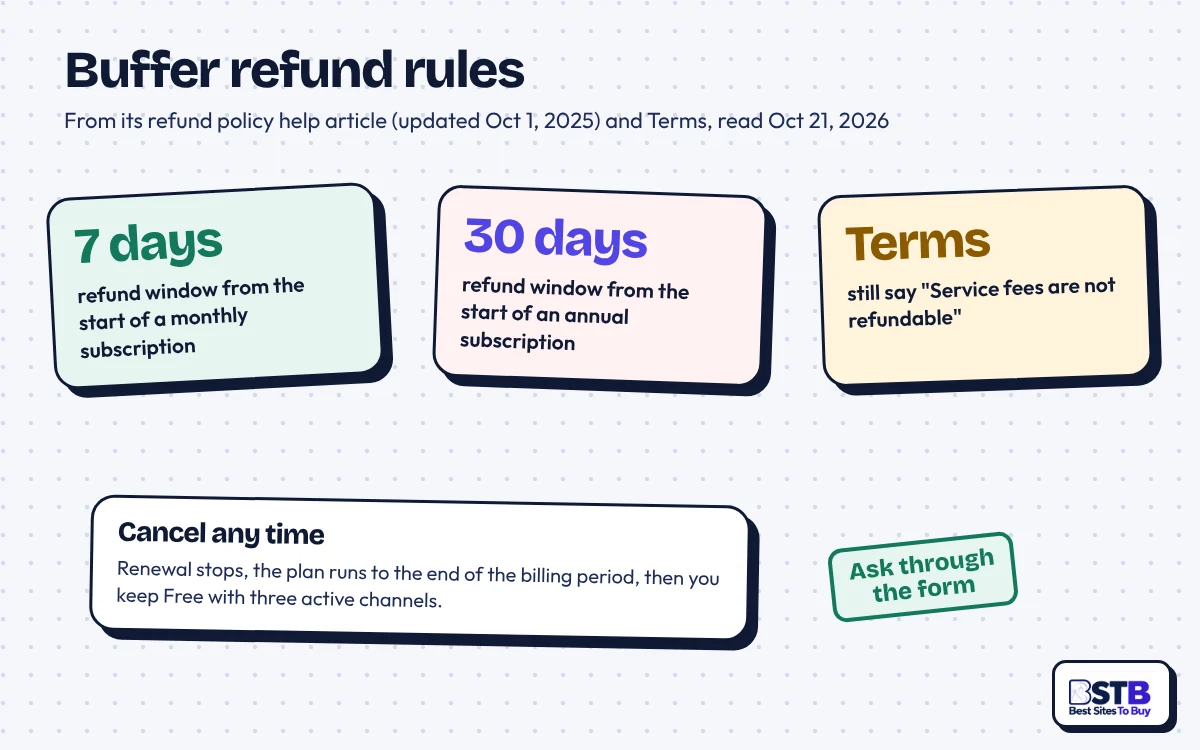
Buffer keeps three channels active on Free and locks the rest, which stay connected for later. Queues are limited to 10 scheduled posts per channel: posts already queued above that still publish, but you cannot add more until the queue drops below 10. Invited teammates lose access, you see 30 days of post history, and idea groups beyond three lock.
Buffer customer support runs through its help center, email at [email protected] and a Discord community, with no phone line and no promised reply time.
The homepage promises "Human support, worldwide" from a team across time zones, plus a public status page. We could not confirm live chat. Capterra rates customer service 4.4 out of 5, and Trustpilot says Buffer replies to 88% of negative reviews, typically within two weeks. Use email for billing and refunds, so you keep a written record.
Buffer's pros and cons come down to a free plan, a clean interface and fair refund windows, against per-channel costs, Team-only collaboration and lighter analytics. This Buffer review weighs each point against its own plans, help center and Terms, so you can judge the fit.
Buffer's biggest advantage is how easy it is to start: a usable free plan, a clean queue and a low per-channel price.
Buffer's main drawback is cost at scale: every profile is a paid channel. The rest are plan gating and lighter reporting.
Buffer's pros outweigh the cons for creators, freelancers and small businesses with a handful of channels. The cons matter more for agencies with many profiles or teams that need deep reporting.
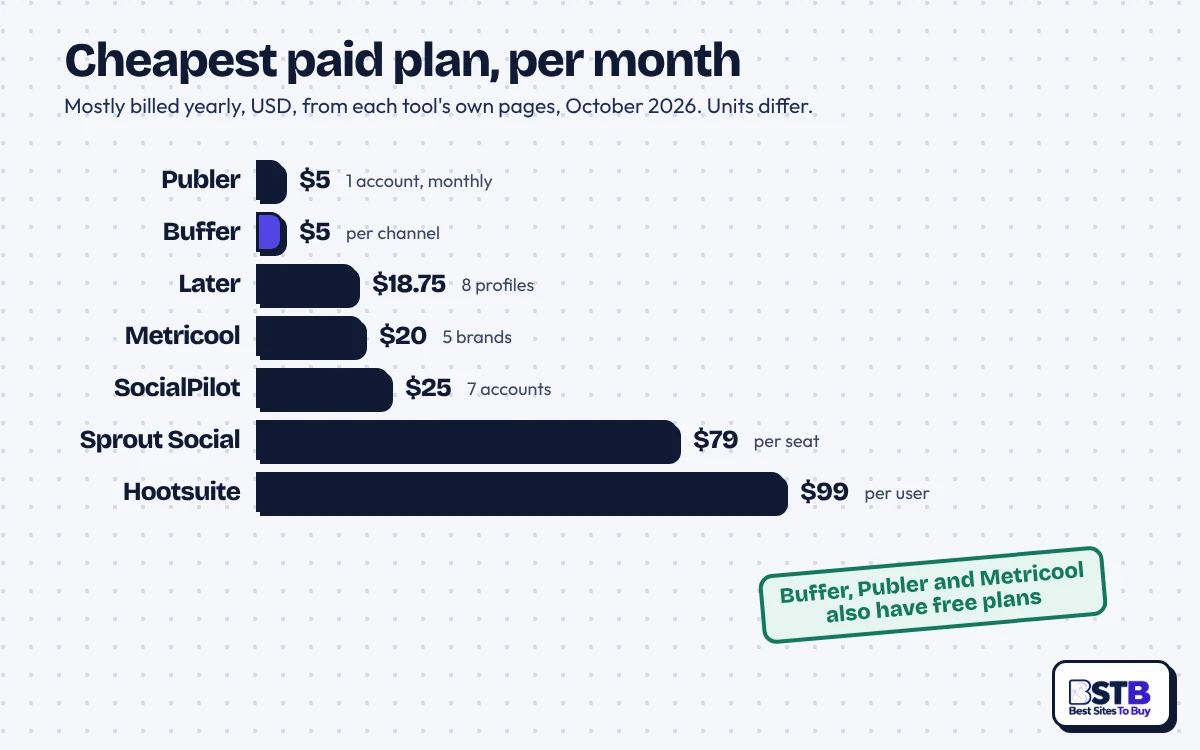
The best Buffer alternatives are Publer for bulk scheduling, Later for visual planning, Metricool for analytics, SocialPilot for agencies, and Sprout Social or Hootsuite for large teams. Each prices differently, so compare the unit, not just the headline number.
| Tool | Cheapest paid plan | Pricing unit | Free plan or trial | BSTB review |
|---|---|---|---|---|
| Buffer | $5/channel/mo billed yearly | Per channel | Free for 3 channels; 14-day trial | Rated Good |
| Publer | From $5/mo | Per account and member | Free for 3 accounts; 7 or 14-day trial | Coming soon |
| Later | $18.75/mo billed yearly | 1 set of 8 profiles | 14-day trial | Coming soon |
| Metricool | $20/mo billed yearly | Up to 5 brands | Free forever | Coming soon |
| SocialPilot | About $25/mo billed yearly | 7 accounts, 1 user | 14-day trial | Coming soon |
| Sprout Social | $79/seat/mo billed yearly | Per seat, 5 profiles | 30-day trial | Coming soon |
| Hootsuite | From $99/user/mo billed yearly | 10 accounts | 14-day trial; no free plan | Coming soon |
Prices read from each tool's own pricing or help pages on October 21, 2026 (Metricool and Hootsuite on October 16, 2026), in USD. Self-reported, subject to change, and plans differ in features, so compare like for like.
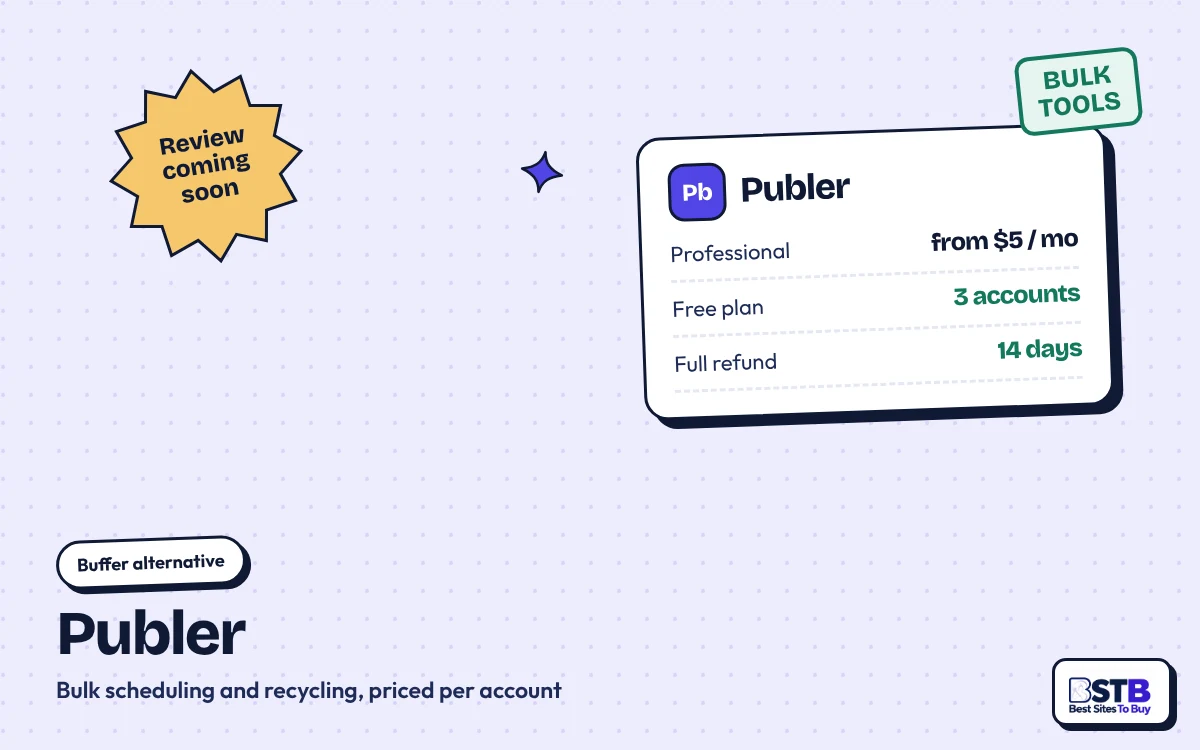
Publer starts at $5 a month for one account on Professional, has a free plan for three accounts (not X) and makes every 10th account free. It gives a full refund within 14 days of each web payment. Best for: bulk CSV scheduling and post recycling.
Publer review coming soon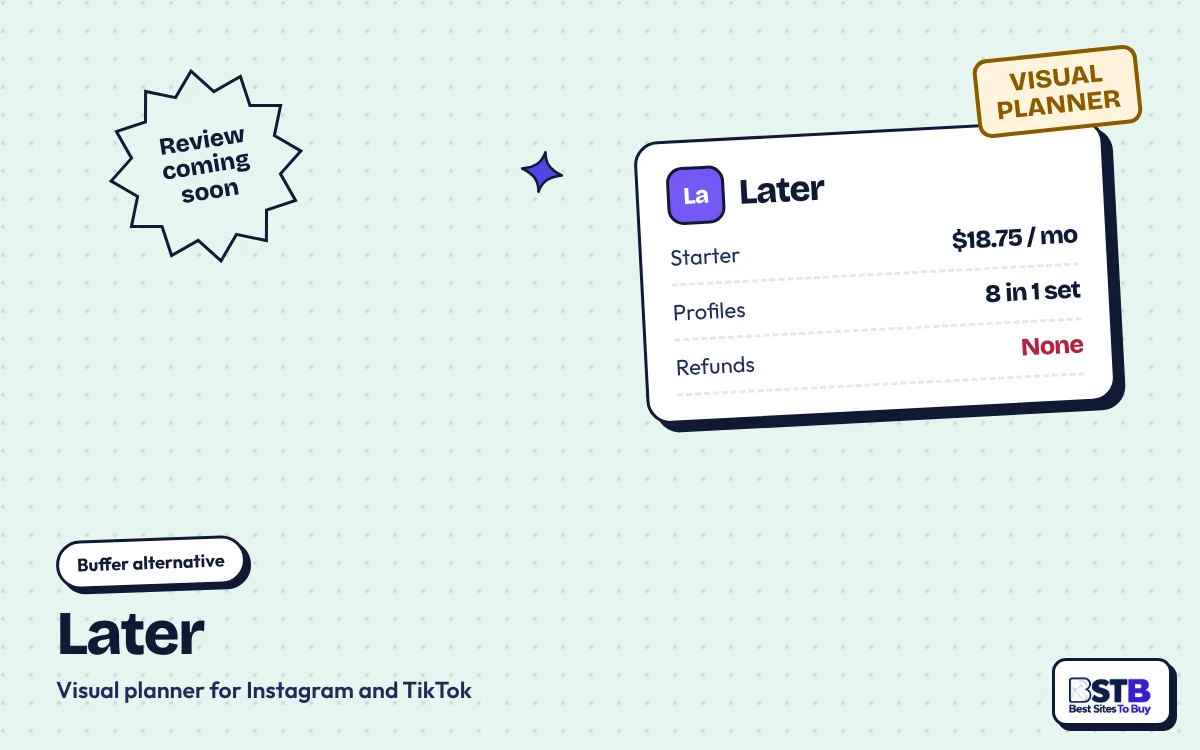
Later starts at $18.75 a month billed yearly for one social set of eight profiles and one user, with 30 posts per profile a month. Its plans are non-refundable, and it dropped X in 2025. Best for: visual planning on Instagram and TikTok.
Later review coming soon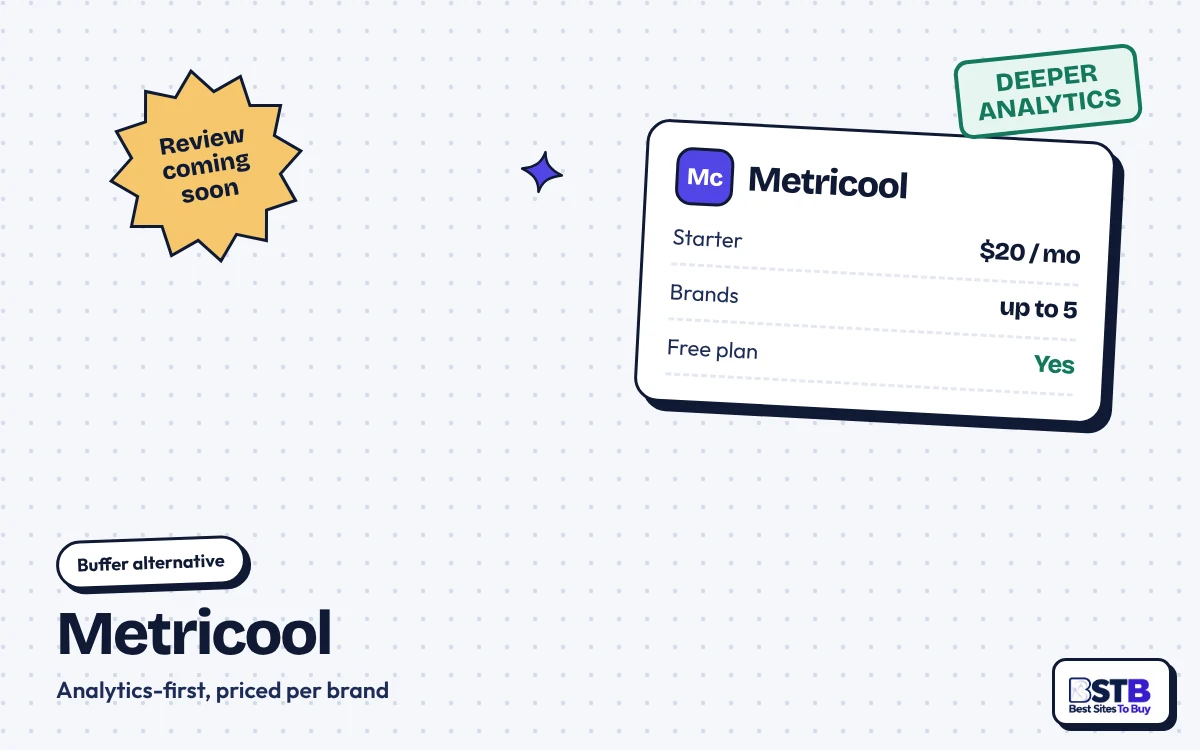
Metricool starts at $20 a month billed yearly for up to five brands and has a free-forever plan for one brand. X costs $10 a month per account extra. Best for: analytics and reports on a budget.
Metricool review coming soon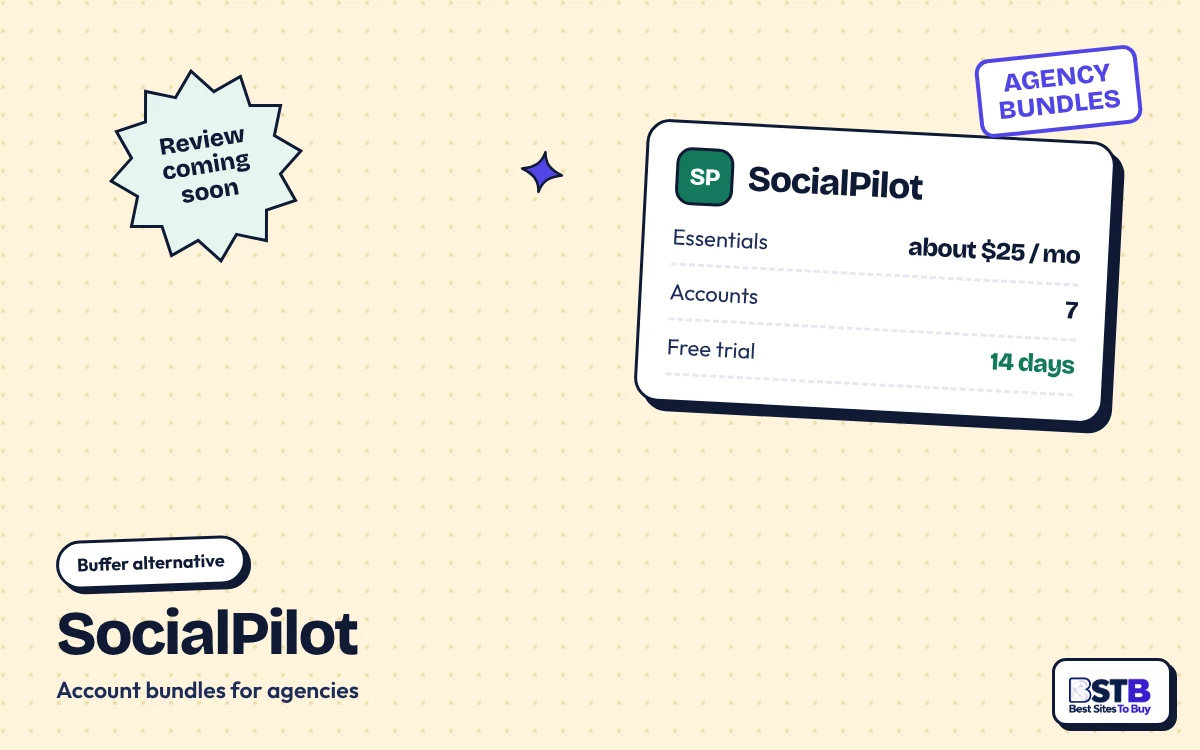
SocialPilot Essentials costs $30 a month, or about $25 billed yearly, for seven accounts and one user. It offers a 14-day trial with no card and no free plan. Best for: agencies that prefer account bundles to per-channel pricing.
SocialPilot review coming soon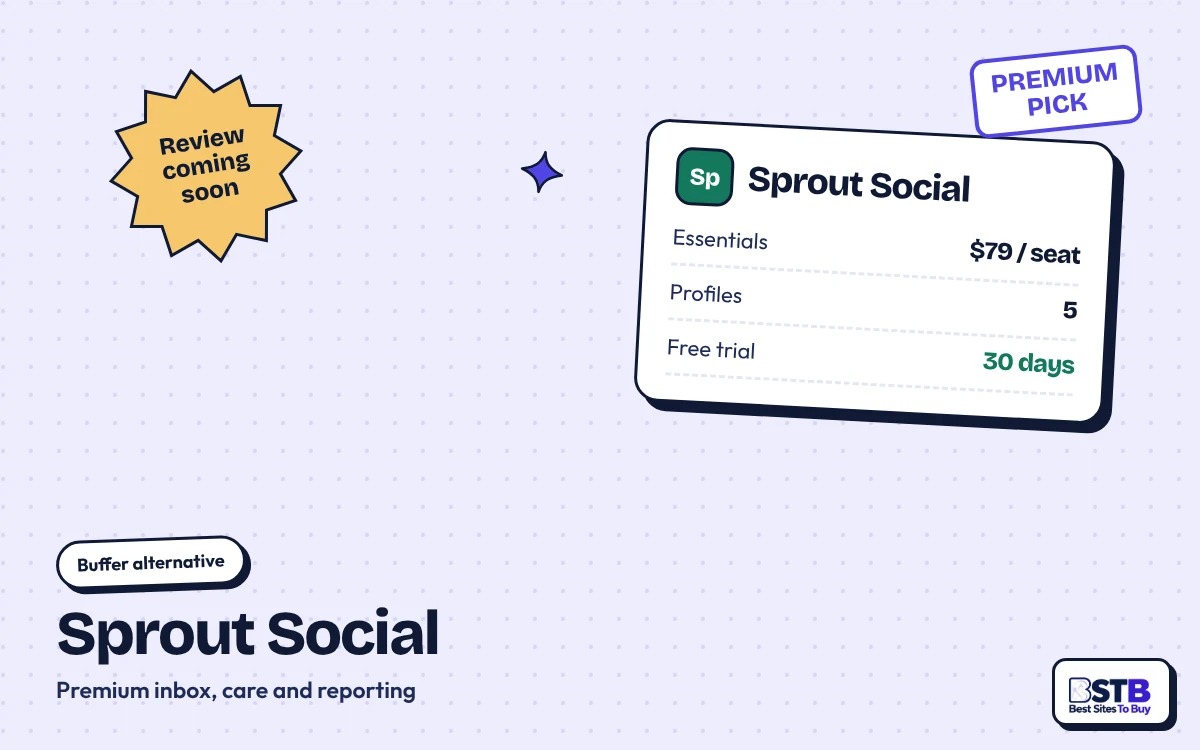
Sprout Social starts at $79 per seat a month billed yearly for five profiles, with a 30-day free trial and no card needed. Best for: larger teams that need a premium inbox and care tools.
Sprout Social review coming soon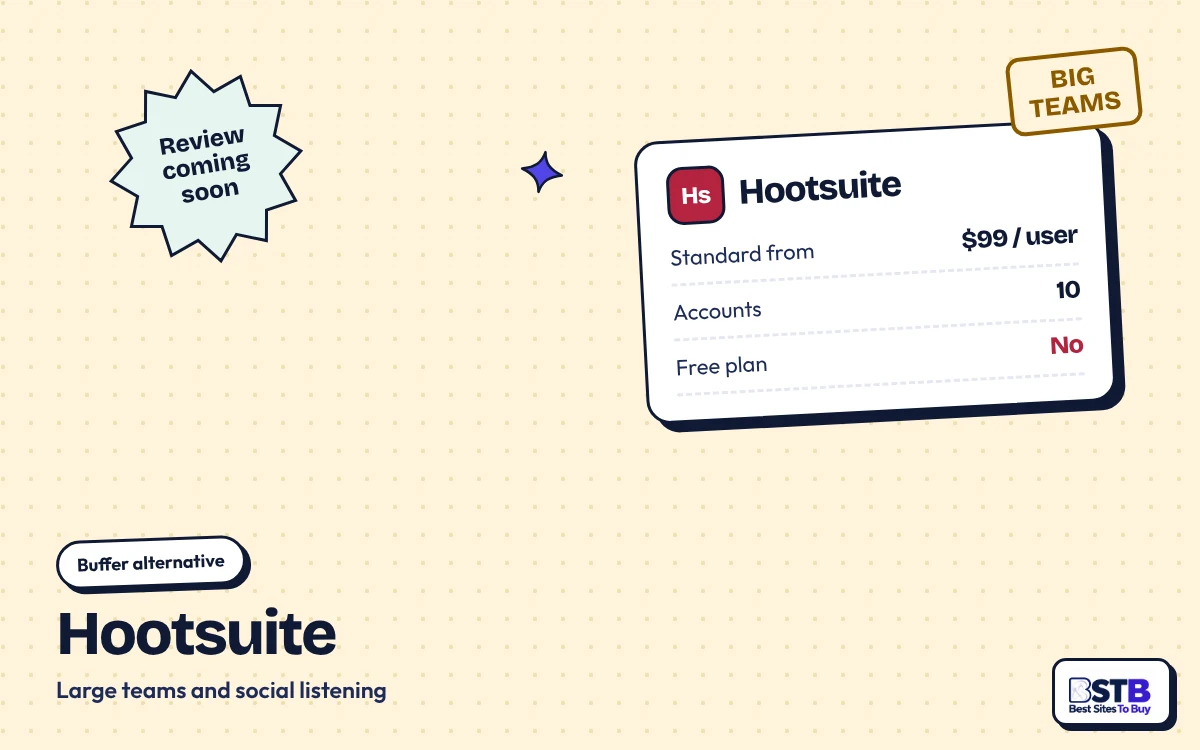
Hootsuite Standard starts from $99 per user a month billed yearly for 10 social accounts, with a 14-day trial and no free plan. Best for: larger organizations that want social listening.
Hootsuite review coming soonBuffer is the simpler tool, while Publer is better for bulk CSV uploads, post recycling and agencies with many accounts. Both start at about $5 a month for one channel or account, and their free plans are close in size: three channels or accounts with 10 queued posts each, though Publer's excludes X.
Buffer is better than Hootsuite on price for small teams, from $5 a channel against from $99 a user a month billed yearly, and it has a free plan. Hootsuite suits large teams that need social listening and enterprise workflows, and its Terms say cancelling does not entitle you to a refund.
The right Buffer alternative depends on your team size and what you need most.
You get more from Buffer by setting queue slots once, drafting from saved ideas with AI, using the Start Page as your link in bio and reviewing Insights weekly. All four use features already in the free plan, so they cost time rather than money.
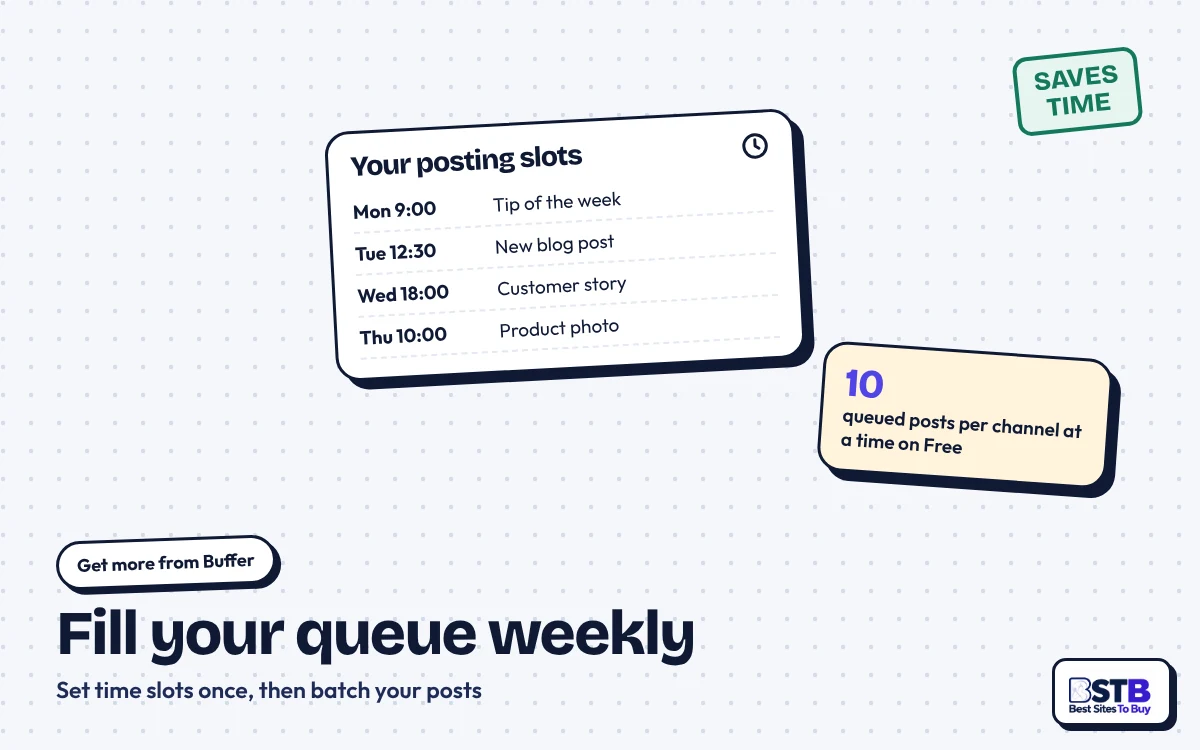
Buffer's queue publishes posts into time slots you set once per channel. Batch a week of posts in one sitting and let the queue space them out. Best for: busy creators and small businesses.
10 queued posts per channel on Free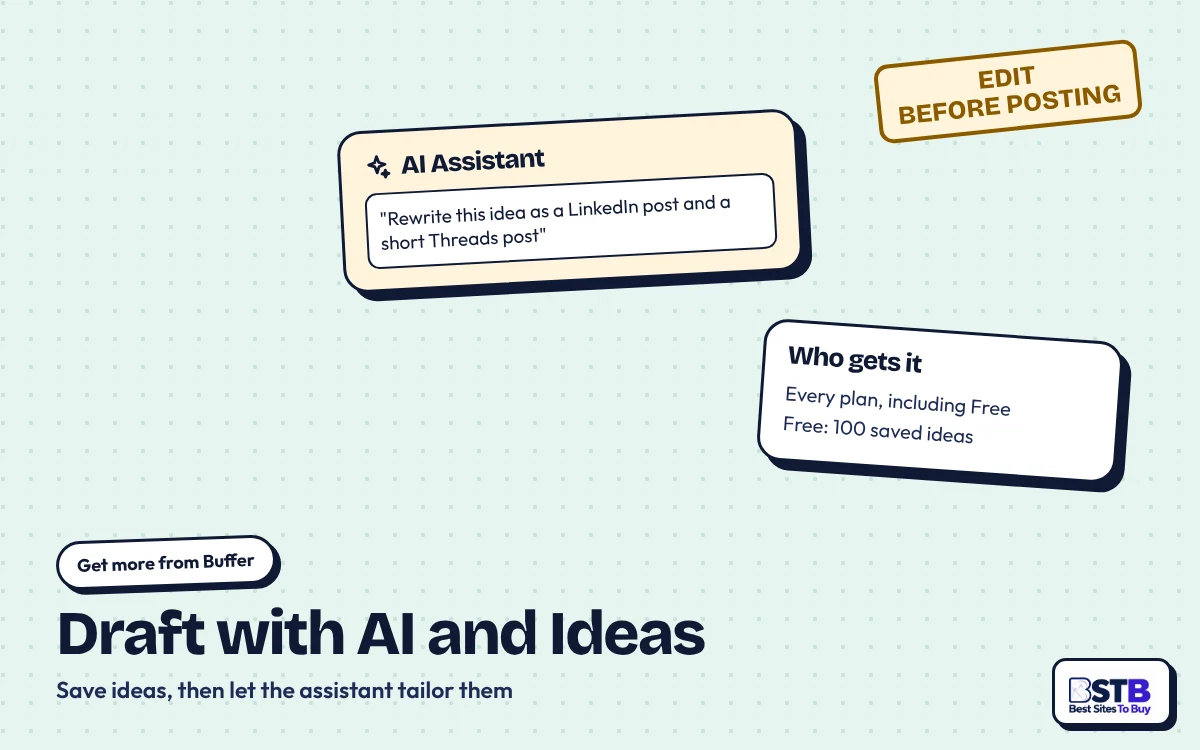
Buffer's ideas library holds 100 ideas on Free and unlimited on paid plans, and the AI Assistant turns them into network-ready drafts. Edit every draft before it goes out. Best for: repurposing one idea across networks.
Explore AI tools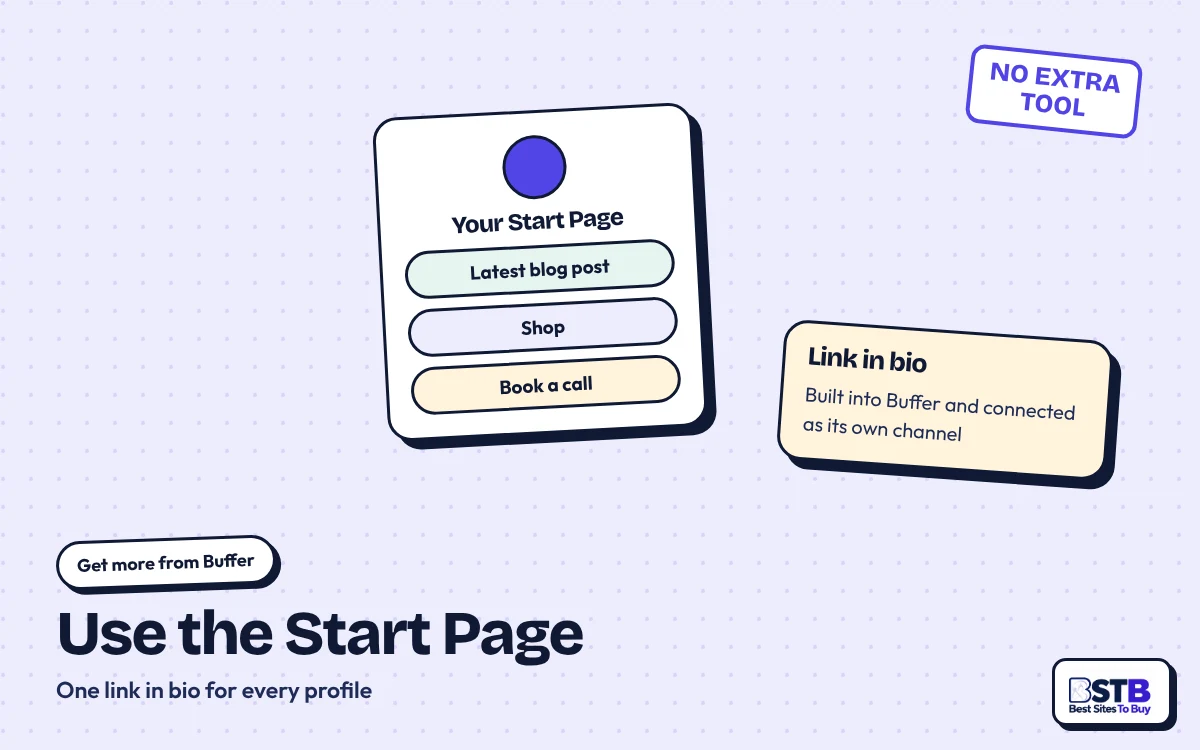
Buffer's Start Page gives you a link-in-bio page inside the same account, connected as its own channel. Point every profile's bio link to it and update it when you post. Best for: creators who want one tool, not two.
Built into Buffer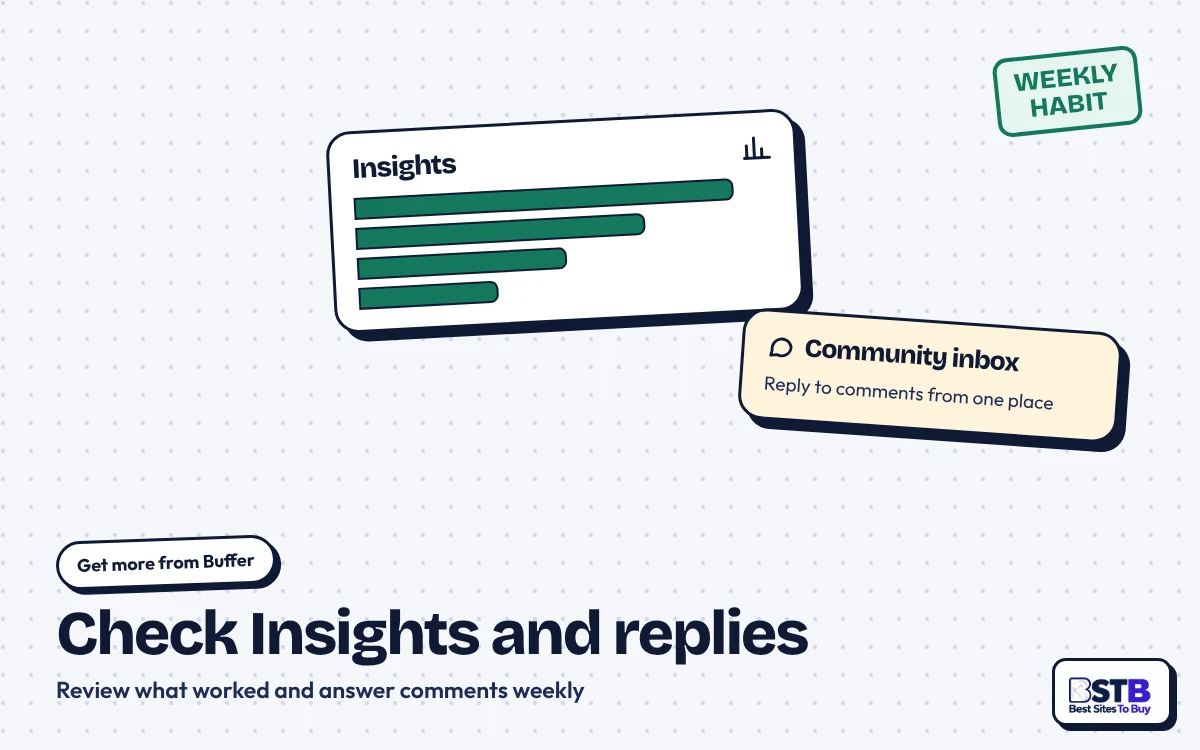
Buffer Insights shows what worked, and the community inbox gathers comments from several networks. Set a weekly slot to reply and to move your best formats into the queue. Best for: brands that post daily.
Advanced analytics on paid plansThe Buffer free plan goes further when you plan around its limits.
Buffer beats native tools such as Meta Business Suite when you post to several networks. A creator on a single network may not need it at all. For more on growing organically, see the BSTB blog.
Buffer suits creators, freelancers and small businesses that post to a handful of networks and want a simple, low-cost queue. Agencies with dozens of channels, analytics-first teams and enterprises that need listening should compare other tools first.
Buffer is a good fit if you answer yes to most of the five questions below.
Buffer is good for creators and small businesses because the free plan covers three channels and Essentials adds unlimited posts from $5 a channel a month.
Buffer is good for small agencies, since Team includes unlimited users, approvals and branded reports. Larger agencies should do the arithmetic: 20 client profiles are 20 channels, so bundle-priced tools may cost less.
Anyone who needs deep analytics, social listening or a flat price for many profiles should look at other tools before paying for Buffer.
Our Buffer review rates it Good: a legit, transparent and easy scheduler with a free plan, paid plans from $5 a channel a month and 7 or 30-day refunds. The main things to watch are per-channel costs at scale and lighter analytics.
It does the core job well: 12 networks plus a Start Page, a clean queue, an AI Assistant on every plan and solid ratings of 4.5 on Capterra and 4.3 on G2. Against that, every profile adds to the bill, approvals and branded reports need Team, analytics draw the most complaints, Trustpilot is split, and its Terms still call fees non-refundable. Start free or on a trial, count your channels, then commit. Our rating: Good.
We reviewed Buffer by reading its homepage, About page, pricing page, Terms of Use, privacy policy and help-center articles on channels, refunds, cancellation and downgrades on October 21, 2026. We checked its ratings on Trustpilot, G2 and Capterra, read the Reddit and Quora threads and three AI assistants' answers shown above, and compared six rivals using their own pricing pages. We did not use a Buffer account for this review. Read how we review every provider.
These 20 Buffer FAQs answer whether Buffer is legit and worth it, plus its pricing, free plan, networks, AI, refunds, support and alternatives, from pages read on October 21, 2026.
Yes, Buffer is legit: its Terms name Buffer, Inc. at 2443 Fillmore Street in San Francisco, and it has run since a November 2010 side project.
Buffer also publishes its revenue, customer count and salaries. On October 21, 2026 its homepage showed about 84,000 customers and $27.5M in annual recurring revenue. See how we review tools and sellers.
Sign up only on buffer.com or its official mobile apps.
Yes, Buffer is worth it for creators and small teams with a few channels, because the free plan covers three channels and paid plans start at $5 a channel a month.
It is less worth it for agencies with dozens of channels, where the per-channel bill adds up, or for teams that need deep analytics. Compare tools in our BSTB reviews.
Run your real channels on the free plan or a 14-day trial before paying for a year.
Yes, Buffer has a free-forever plan for up to three channels, one user and 10 scheduled posts per channel at a time, with no time limit.
The free plan also includes the AI Assistant, 100 saved ideas, a community inbox and Insights with 30 days of history. It leaves out first-comment scheduling, the hashtag manager and reports.
Pick your three busiest channels for Free and post natively everywhere else.
Buffer costs $0 on Free, $5 a channel a month on Essentials and $10 a channel a month on Team, billed yearly ($60 and $120 a channel a year).
Monthly billing costs more: the page says yearly billing will "save 2 months", which points to about $6 and $12 a channel a month. Buffer says its pricing was last updated in November 2025.
Count every profile you will connect, since each one is a separate channel.
Buffer Team adds unlimited team members, access levels, approval workflows and branded reports to Essentials, for $10 instead of $5 a channel a month billed yearly.
Both paid plans include unlimited scheduled posts (with a 5,000-post fair use cap per channel), unlimited ideas, advanced analytics, the AI Assistant, first-comment scheduling and the hashtag manager.
If anyone else needs to log in or approve posts, budget for Team.
Yes, Buffer gives every paid plan a 14-day free trial, and if you add no payment details the account moves to the free plan automatically.
Scheduled posts keep publishing after the trial if your channels are not locked; channels above the free plan's three are locked until you upgrade.
Use the trial in a busy posting week so you see real limits.
Buffer supports 12 networks: Instagram, Facebook, TikTok, LinkedIn, X, YouTube, Threads, Pinterest, Google Business Profile, Bluesky, Mastodon and Substack, plus its Start Page.
Each connected account counts as one channel. Its help center says Facebook personal profiles and LinkedIn groups cannot be connected. For TikTok results, check its numbers with our TikTok engagement rate calculator.
Switch Instagram to a business or creator account before connecting it.
Buffer posts directly to Instagram business and creator accounts, while TikTok and Instagram personal accounts use notification publishing, where you finish the post in the app.
Its help center marks TikTok as notification publishing on new plans. Buffer also says it cannot show analytics for Instagram Reels or Facebook stories. Check Instagram results with our Instagram engagement rate calculator.
Keep your phone handy at posting time if you rely on notification publishing.
Yes, Buffer's AI Assistant is included on every plan, including Free, and it brainstorms ideas, rewrites content and drafts platform-specific posts.
The free plan caps AI replies at 5 suggestions a week. Buffer's API and MCP can also connect it to AI assistants such as Claude and ChatGPT. Compare options in our AI tools for social media directory.
Treat every AI draft as a first draft and edit it in your own voice.
Buffer is fine for basic analytics: Free keeps 30 days of Insights history and paid plans add advanced analytics, but analytics is the most common complaint in reviews.
G2 reviewers call reporting "insufficient" next to native tools, and a July 2026 Trustpilot review cited data discrepancies. Buffer replied that it rebuilt analytics as Insights in July 2026.
If client reporting is your main job, test Team's reports during the trial.
Buffer charges per channel, not per user or per brand: each connected social account is one channel, and Team includes unlimited users at no extra cost.
Buffer's own example: five brands with two profiles each is 10 channels. If you upgrade from Free, you pay for every channel you connected, including the first three.
Disconnect channels you no longer post to, since each one is billed.
Yes, you can cancel Buffer any time from your avatar, Billing, the three-dot menu and Cancel Plan, and the plan runs until the billing period ends.
Buffer's Terms say subscriptions renew automatically, so cancel before the renewal date; you can also email [email protected]. If these steps change, contact BSTB and we will re-check them.
Set a reminder a few days before renewal if you are on the fence.
Buffer's refund policy allows refunds within 7 days of starting a monthly subscription and within 30 days of starting an annual one, requested through its form.
That help article was last updated on October 1, 2025. Buffer's Terms are stricter, saying "Service fees are not refundable", and the help article does not say whether renewals qualify.
Ask in writing inside the window and keep the confirmation.
Buffer keeps three active channels when you downgrade to Free; the rest lock but stay connected, and queues are limited to 10 scheduled posts each.
Posts already queued above 10 still publish, but you cannot add new ones until the queue drops below 10. Invited team members lose access, and you see 30 days of post history.
Choose which three channels stay active before the period ends.
Buffer customer support works through its help center at support.buffer.com and email at [email protected], with a Discord community; no phone line or reply time is listed.
Its homepage promises "Human support, worldwide" from a team across time zones. Capterra rates customer service 4.4 out of 5, and Trustpilot says Buffer replies to 88% of negative reviews, typically within 2 weeks.
Use email for billing and refunds so you keep a written record.
Buffer, Inc. owns Buffer, according to its Terms, at 2443 Fillmore Street in San Francisco, with Joel Gascoigne as CEO and co-founder.
The company has been fully remote since 2013, so it names no office headquarters. Its Terms apply California law with binding arbitration you can opt out of within 30 days. Read the BSTB blog for more tool guides.
Opt out of arbitration within 30 days of signing up if that matters to you.
Buffer is good for small teams, since Team includes unlimited users, approvals and branded reports, but agencies with many channels pay for every one.
Channels above 10 get a volume discount, but Buffer does not list the rates in text. Compare bundle-priced tools before you commit; our reviews hub adds new tool reviews as they go live.
Price your real client channel count on Buffer, Publer and SocialPilot side by side.
Buffer is better value than Hootsuite for small teams, starting at $5 a channel a month against from $99 per user billed yearly, while Hootsuite suits large teams.
Buffer has a free plan and refund windows; Hootsuite has no free plan, and its Terms say cancelling does not entitle a refund. See how BSTB reviews providers.
Small teams should try Buffer's free plan before an enterprise contract.
Buffer is the simpler tool, while Publer adds bulk CSV uploads and post recycling; both start at about $5 per channel or account a month.
Publer makes every 10th account free and gives a full refund within 14 days of each web payment. Buffer's free plan matches Publer's on size: three channels and 10 queued posts each.
Choose Buffer for simplicity and Publer once bulk uploads matter.
The best Buffer alternatives are Publer for bulk scheduling, Later for visual planning, Metricool for analytics, SocialPilot for agencies, and Sprout Social or Hootsuite for large teams.
Each prices differently, by account, profile set, brand, bundle, seat or user, so compare the unit. More tools are listed in our social media AI tools category.
Pick by team size first, then by the features you will actually use.
BestSitesToBuy Editorial Team. Researched and fact-checked against Buffer's own pages and public user reviews. Spotted something outdated? Tell us and we'll re-check it.
Disclosure: BestSitesToBuy is independent and not affiliated with Buffer, Publer, Later, Metricool, SocialPilot, Sprout Social, Hootsuite or any social network. We may earn a commission from some links; this never affects our ratings. General information, not legal or financial advice. Prices and policies were accurate on October 21, 2026 and may have changed.
Browse all BSTB reviews