The basicsWhat Are AI Email Assistant Tools?
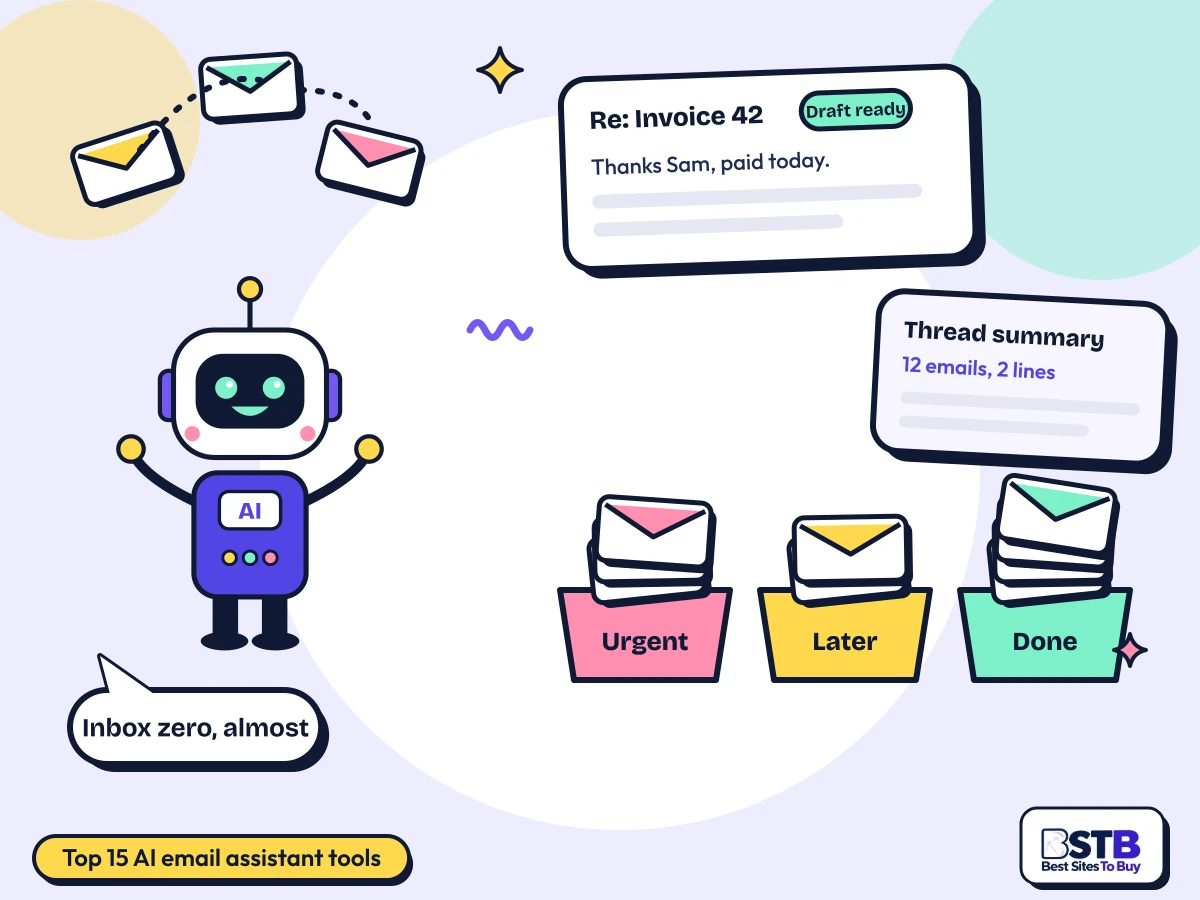
AI email assistant tools read and write email for you: they draft replies, summarise threads, sort what arrives and chase follow-ups in Gmail, Outlook or their own app.
An AI email writing assistant takes a short instruction, such as "decline politely, offer next Tuesday", and writes the full email. The better tools also read the thread first, so the reply answers what was actually asked. Superhuman and Shortwave go further and replace your email app entirely, with AI triage built in.
Most tools in the category are narrower than the name suggests. Of the 39 tools BSTB lists as email assistants, 25 can draft emails, 18 work with Gmail, 15 with Outlook, and only 7 summarise long threads. Just 5 describe real inbox prioritising, and only 2 say they learn your writing style from your sent mail.
The category as published also carries a lot of dead weight. 6 of the 39 tools have no email feature at all, at least 10 are discontinued or have pivoted to something else, the same discontinued Slack app is listed twice, and one dead tool's domain now redirects to a betting site. Another 8 are cold-outreach or newsletter tools that send marketing email rather than help with yours. None of them are on this page.
How Do AI Email Assistants Work?
You connect your inbox, the assistant reads the messages you point it at, a language model drafts or summarises, and you review before anything is sent.
You connect your inbox
Usually by signing in with Google or Microsoft, which grants the tool permission to read and sometimes send mail.
It reads the context
The thread, your past replies, or a short instruction you type. Better context gives better drafts.
A model writes or sorts
It drafts a reply, summarises the thread, or labels the message by topic and urgency.
You approve
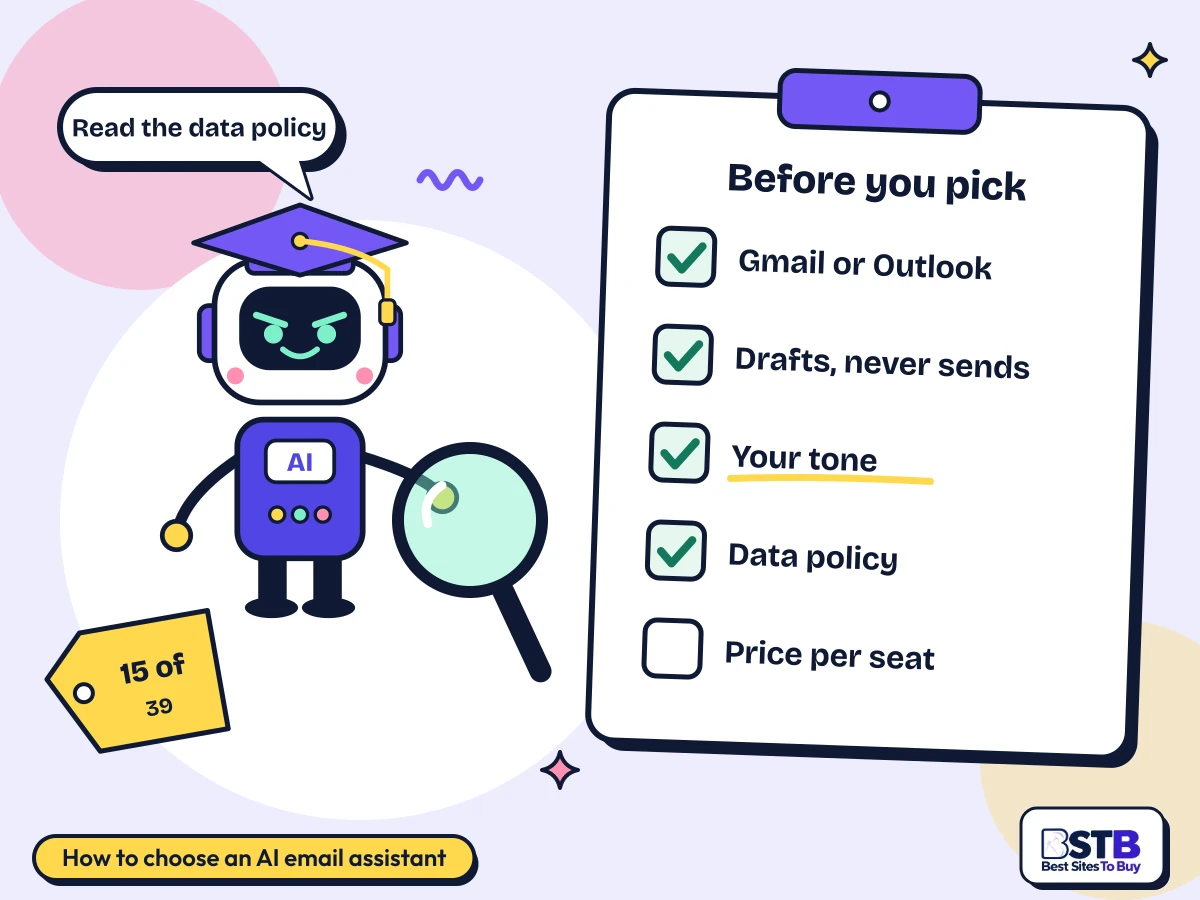
In most tools the draft waits for you. Check whether yours can send on its own, and turn that off if so.
What Can You Do With an AI Email Assistant?
Draft replies in seconds, catch up on a 40-message thread in a paragraph, see the urgent mail first, never forget a follow-up, and schedule meetings without the back and forth.
- Reply drafts: a full, polite reply from a one-line instruction.
- Thread summaries: the decisions and open questions from a long chain.
- Inbox triage: urgent, later and newsletters separated automatically.
- Follow-up reminders: nudges when someone has not replied.
- Scheduling by email: copy the assistant in and it finds a time.
- Tone changes: make a blunt draft polite, or a long one short.