Layer AI
4.1/5Paid
Team platform that generates game and ad assets (images, video, 3D, audio) in a trained house style across hundreds of models.
- Best for: On-brand game and ad art at scale
- Price: From $10/mo, then $60 per 1,000 units (reported)

8 tools
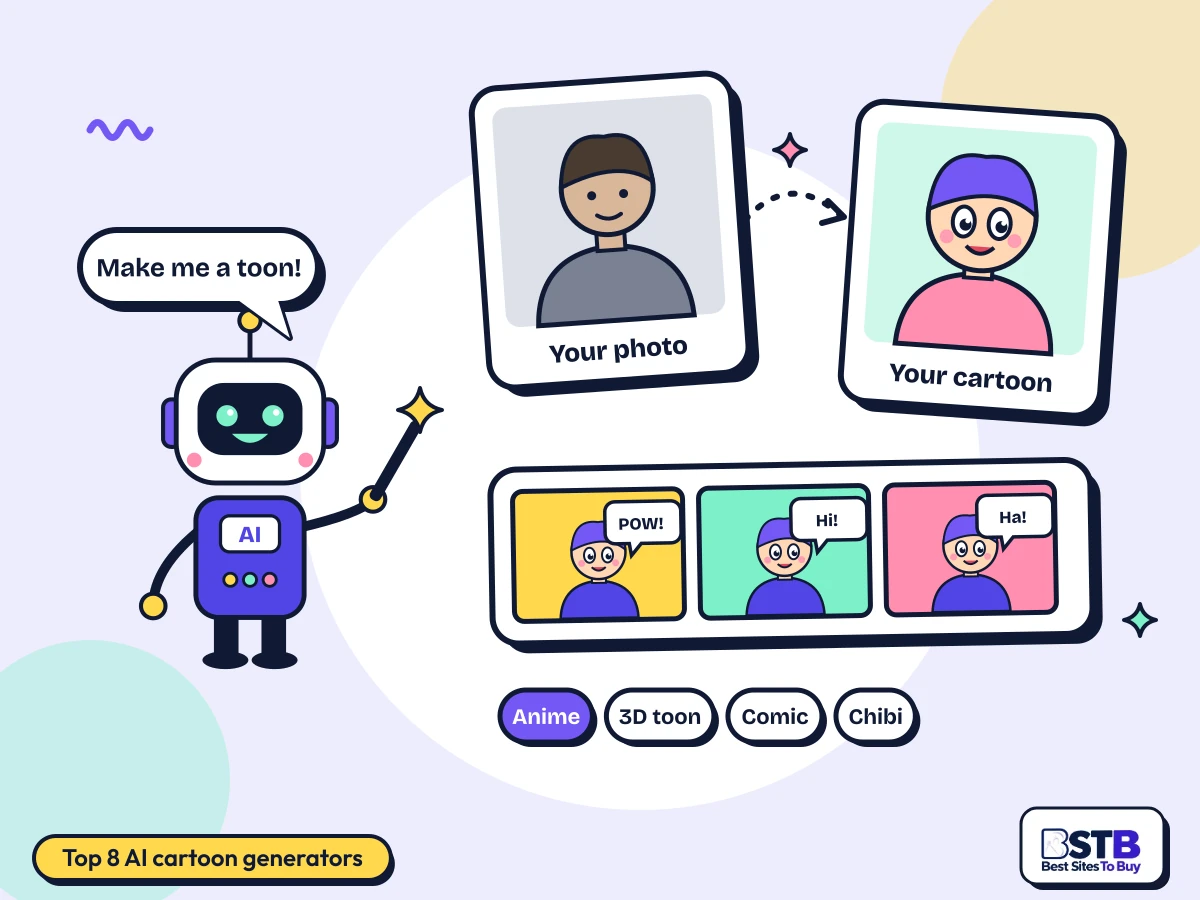
AI cartoon generators turn a photo or a written description into a cartoon: a character, a selfie avatar, a comic panel or an animated scene. This page ranks the 8 best AI cartoon makers on BSTB by their 9-criterion score, with what each one actually produces, whether it has a free plan, and what you may do with the result.
Every one of these AI cartoon generators online has its own BSTB page with a pricing model, plan prices, what it outputs, its usage terms and a score from the same nine criteria.
Showing 8 of 8.
Team platform that generates game and ad assets (images, video, 3D, audio) in a trained house style across hundreds of models.

Video tool that spreads the look of one hand-painted keyframe across a whole clip using texture synthesis, not a generative model.

Browser illustrator that creates cartoon characters and keeps them looking the same across scenes for picture books, with layout and print-ready PDF export.

Phone app that makes a cartoon avatar from one selfie and drops it into a big library of personalised emoji stickers for chat apps.

Chat-driven video agent that builds animated cartoon scenes, characters, lip-synced dialogue and voiceover from a story brief.
Browser studio where an AI agent turns a one-sentence story into manga, comics, webtoons and anime-style episodes, with a community feed.

Web and mobile hub for generating images, short videos and AI characters from prompts or reference images using many models and community LoRAs.
Simple browser text-to-image generator with style presets, plus prompt-based edits, background removal, upscaling, SVG and image-to-video.
AI cartoon generators create cartoon-style images or video from a photo, a sketch or a text prompt. You choose a style, such as anime, comic or 3D toon, and the model draws the result.
There are two quite different jobs under one name. Photo to cartoon takes your selfie and redraws it, as Mirror AI does for sticker avatars. Text to cartoon invents a character or scene from a description, as Neolemon does for picture books and Makiverse does for manga. Most people need one or the other, so it is worth knowing which before you start.
The category is small and uneven. BSTB lists 10 tools here. Only 2 convert a photo into a cartoon, 5 generate cartoons from text, 4 keep a character consistent across images, and just 1 lays out multi-panel comics. Eight of the ten can animate their output into video or GIF, which is more than the name suggests.
Two listed tools are left off this page: an ID-photo and filtered-portrait app whose cartoon modes are claimed only by a third-party directory, and a bespoke talking-character studio that has renamed and paused its consumer app.
They use image models trained on illustrated styles. For photos, the model keeps your face's shape and redraws it in the style; for text, it builds the character from your description.
A selfie, a reference sketch or a written description of the character and scene.
Anime, comic, 3D toon, watercolour or a custom house style, depending on the tool.
It keeps the features that matter, such as face shape or outfit, and redraws them in the style.
Regenerate, lock the character for the next scene, or turn the image into a short clip.
Turn selfies into cartoon avatars, design a mascot or story character, illustrate a picture book, make manga or comic panels, and animate cartoon scenes for video and social posts.
Pick by the job: photos into cartoons, cartoon avatars, characters from text, comics and scenes, or animation and studio work. Tools that do two jobs well appear in both groups.
AI tools to turn photos into cartoons. Only 2 of the 10 tools in this category convert a photo at all.
AI tools to generate cartoon avatars for stickers, profile pictures and AI characters.
AI tools to create cartoon characters from a description, from quick free sketches to characters that stay the same across a whole book.
AI tools to make comic-style illustrations and AI tools to create cartoon scenes, including the only tool here that lays out comic panels.
Photo to cartoon redraws a real person from a selfie. Text to cartoon invents a character from words. They are different tools, and only 2 of the 10 in this category do the first.
| Photo to cartoon | Text to cartoon | |
|---|---|---|
| You start with | A selfie or portrait | A written description |
| Best for | Avatars, stickers, profile pictures | Characters, mascots, stories, comics |
| Likeness | Keeps your real features | Invented, unless you add a reference |
| Consistency | Same face every time | Needs a character lock or reference |
| Privacy | You upload a face; check the terms | No personal photo needed |
| On this page | Mirror AI, Neolemon | Neolemon, Makiverse, Craiyon, Anijam AI |
Neolemon does both: it can build a character from an uploaded photo, then keep it consistent across text-prompted scenes.
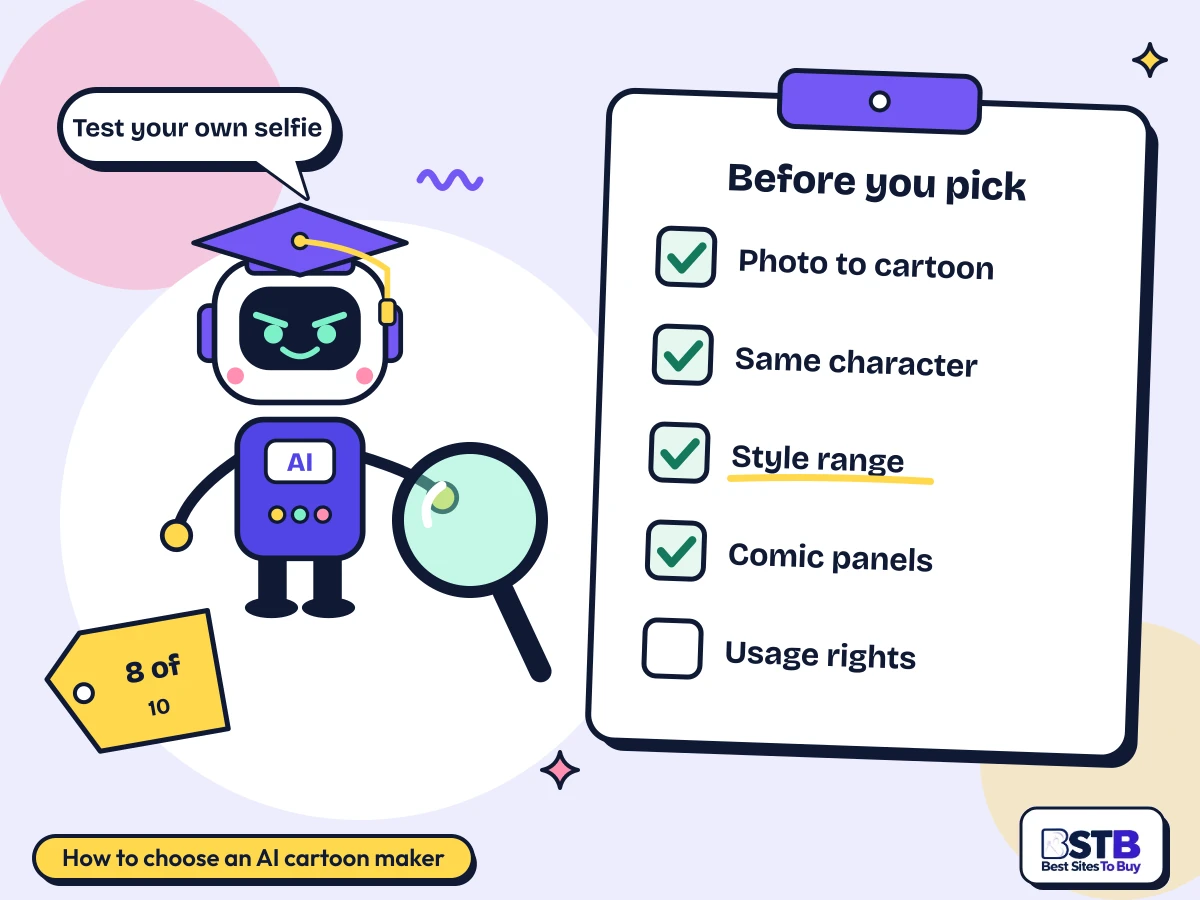
The best AI cartoon maker does your job, photo or text, keeps a character consistent, offers your style and states its usage rights. A free test comes next.
These overlap with BSTB's nine scoring criteria, which also weigh speed, support and integrations.
Decide between photo and text, choose the style first, generate a few options, lock the character you like, then export or animate for where it will be used.
A selfie for an avatar; a description for a new character or scene.
Anime, comic, 3D toon or watercolour. Changing style later means starting again.
Pick the one closest to what you imagined, not the first result.
Save it as a reference or reusable character before making more scenes.
Square for posts, vertical for stories, PDF for print, video for clips.
Test your own selfie or description in the free tier, check the character stays consistent, confirm the style, and read the usage rights before publishing.
For photo to cartoon, use a real selfie in the free tier, not the sample.
Generate the same character three times. If it drifts, it will not work for a series.
Look for the style by name, such as anime or 3D toon, rather than a generic cartoon filter.
If you need panels, only one tool in this category lays them out.
AI cartoon generators for beginners are fine for fun; public or paid use needs stated terms.
Free AI cartoon generators are common: 7 of the 8 here have a free plan, free credits or a free trial. Paid plans add more images, higher resolution, video and commercial rights.
Paid plans are cheap at the entry level. SeaArt AI starts at $4.99 a month, Mirror AI sells premium packs from $4.99, Makiverse is reported at $9.99 a month and EbSynth Pro is $20 a month. Neolemon's Creator plan at $29 a month is the one that states commercial rights for books you sell. Layer AI prices by usage for studios, from $10 a month plus $60 per 1,000 units.
| Pricing model | Tools on this page | What you get | Tools |
|---|---|---|---|
| Freemium | 7 of 8 | Free plan with limits, paid upgrade | EbSynth, Neolemon, Mirror AI, Anijam AI, Makiverse, SeaArt AI, Craiyon |
| Paid | 1 of 8 | Paid only, sometimes with a trial | Layer AI |
Prices come from each tool's BSTB page; four are marked reported or unconfirmed. Three cautions. Craiyon watermarks free images. Commercial rights often begin on the paid plan. And credits per image vary by style and resolution.
Characters drift between images, comic layouts are rare, selfie uploads raise privacy questions, and most tools say nothing about commercial use. Check each before you publish a cartoon.
BSTB scores every one of these AI cartoon makers on the same nine criteria, and the overall score is the mean of the nine.
Scores are based on each tool's official pages, documentation, published pricing and hands-on checks where available. For cartoon generators, output quality, style range and usage terms weigh most. Every overall score on this page matches the mean of its nine criteria to one decimal, checked in code for all 10 tools in the category. Read more about how BSTB tests and scores tools.
Cartoon generators overlap with these categories. Browse them or see the full AI tools directory.
Quick answers on photo to cartoon, characters from text, consistency, selfie portraits, comic panels, styles, video and social use, and free plans.
Upload a clear, front-facing photo to a photo-to-cartoon tool, pick a style, and let it redraw your face. Only 2 of the 10 tools in this category do this.
Mirror AI builds a cartoon avatar from one selfie and lets you adjust it by hand, then uses it across a library of stickers. Neolemon can build a character from an uploaded photo and then keep it consistent in new scenes. Good light, a plain background and a face that fills most of the frame give the best likeness.
Only Renderforest and Pixelbin, both vendors ranking their own tools, cover this among the competitor pages.
Yes. 5 of the 10 tools here generate cartoons from a written description, from quick free sketches to full characters for books and comics.
Neolemon creates a character from a description and keeps it the same across scenes. Makiverse casts characters from a one-line story idea. Craiyon draws quick cartoon sketches free, and Anijam AI builds animated characters and scenes from a prompt. Describe the character's age, build, hair, clothing and personality, then the style.
Use a tool with a character lock or reference feature, design the character once, then reuse it for every new scene. 4 of the 10 tools here offer this.
Neolemon is built around it: it keeps face, hair, outfit and style stable across poses for picture books. Makiverse keeps characters consistent across manga panels, Mirror AI reuses one avatar across every sticker, and Layer AI uses reference sets and custom style training. Rewriting the same description every time rarely holds the look for more than a few images.
Only one competitor answers this, and only in technical terms.
Yes, but few tools do it well. Mirror AI turns one selfie into a cartoon avatar, and Neolemon can build a character from an uploaded photo.
Mirror AI offers pixel, anime, 3D, line and caricature looks and lets you fine-tune features by hand. If you mainly want a realistic portrait or headshot rather than a cartoon, BSTB's Portrait Generators category is the better fit. Check what each tool does with your selfie before uploading.
No competitor page covers cartoon portraits from selfies as a question.
Yes, but only 1 of the 10 tools here lays out panels: Makiverse, which storyboards a one-line story into manga, comics and webtoons.
Neolemon supports multi-character scenes, page layouts and speech bubbles for picture books, which covers some comic needs. Other tools make single images you would arrange into panels yourself in a design tool. Consistent characters matter more for comics than for any other use.
No competitor page covers comic panels at all.
Anime and manga, 3D toon, comic, line art, watercolour, chibi, pixel and caricature are the styles the tools here name. 7 of 10 list their styles.
Neolemon names Pixar-inspired 3D, watercolour, anime and colouring-book outlines. Mirror AI offers pixel, anime, 3D, line and caricature. Makiverse covers anime, manga, webtoon and manhwa. SeaArt AI adds community models for many more looks. A tool may describe a style as inspired by a studio, but cannot reproduce that studio's own characters.
No competitor maps styles to tools; this is one of the clearest gaps.
Usually yes for personal posts, but check the commercial terms before using cartoons for a business. Only 3 of the 10 tool pages state commercial terms.
Neolemon's Creator plan allows commercial use of art made while subscribed. Craiyon allows commercial use on all accounts, but free users must credit it. SeaArt AI limits others' downloads to personal use and takes a broad licence over public posts. For video, 8 of 10 tools animate output, and Anijam AI exports cartoon videos for social platforms.
No competitor covers video and social use as a question.
Most have a free tier: 8 of the 10 tools in this category offer a free plan, credits or a trial. Free output may be watermarked, limited or personal use only.
Craiyon is free with a watermark, SeaArt AI gives 130 Stamina a day, EbSynth is free with 720p export and no time limit, and Neolemon gives 5 free illustrations. Layer AI has no free plan.
It depends on the tool's terms, and copyright law may not protect a purely AI-made image at all. Most tools in this category do not say.
In the US, images generated purely by AI without enough human creative input cannot be registered for copyright. Your own edits and arrangement can add protection. Check the tool's terms for who may use the image commercially, which is a separate question.
This is general information, not legal advice.
Only 4 of the 10 tools say. Neolemon says it never trains on user work, and EbSynth deletes uploaded video after rendering.
Layer AI says customer data does not train foundation models. Mirror AI's policy mentions facial analysis and personalised ads but no deletion terms. If a tool says nothing, assume the upload may be kept, and avoid uploading other people's photos without permission.
Every tool is scored from 1 to 5 on nine criteria, and the overall score is the mean of the nine. Output quality and usage terms matter most here.
The nine criteria are Accuracy and Reliability, Ease of Use, Functionality and Features, Performance and Speed, Customization and Flexibility, Data Privacy and Security, Support and Resources, Cost-Efficiency and Integration Capabilities. Read more about how BSTB tests and scores tools.
Card ratings on the category listing show 0.0 because they count user reviews. The editorial score on each tool's page is the one used here.
The list is reviewed regularly and whenever a tool changes its pricing, is renamed, or shuts down. Status badges on the cards flag recent changes.
If you spot an out-of-date price or a cartoon tool that should be listed, tell the team through the contact page.
Where a price is marked reported, confirm it with the vendor before subscribing.
Send us your tool's name, website and pricing. The BSTB team reviews every submission before it joins the AI tools directory.