Endel
App that generates endless adaptive ambient soundscapes for focus, rest and sleep, reacting to time, weather, heart rate and movement.
- Best for: Adaptive ambient soundscapes for focus and sleep
- Price: Free edition; about $7.49/mo (reported)
12 tools
AI music generators turn a text prompt, a genre and mood, or your own lyrics into finished music: full sung songs, background tracks for video, instrumentals and soundtracks. This page ranks the 12 best AI music generators on BSTB by their 9-criterion score, with what each one makes, what its licence allows, and what it costs.

Every tool here has its own BSTB page with a pricing model, plan prices, licence and ownership terms, and a score from the same nine criteria. Twelve other tools tagged music were left off because they edit, split or license existing audio rather than make new music.
Showing 12 of 12.
App that generates endless adaptive ambient soundscapes for focus, rest and sleep, reacting to time, weather, heart rate and movement.
Generates rights-cleared tracks from genre, mood, tempo or text, with stem splitting, remixing, mastering, distribution and an API.
Writes complete sung songs with instruments from a text idea, your lyrics or an uploaded recording, with studio editing and stems on top tiers.
Credit-based suite inside Artlist that makes images, video, voiceover, avatars and music using 100+ in-house and partner models.
Builds instrumental tracks from genre, mood, length and energy settings, then lets you edit sections, swap instruments and export stems.
Makes instrumental tracks from text, images or genre and mood picks, with set durations, a track editor and a music API.
Prompt-to-song generator with vocals, section replacement, stems, cover art and video, now operating as Google Flow Music.
Stability AI service turning prompts into stereo instrumental tracks, loops and effects, with audio-to-audio, inpainting and an API.
Web generator that scores text, reference audio or uploaded video into songs or instrumentals, with AI lyrics, vocals and voice cloning.
Browser generator making full sung songs from prompts or lyrics, with background beds, voice cloning, covers, stem splitting and photo music videos.
Makes instrumental songs in seconds from a style and mood pick, lets you tweak and add your own vocals, then releases them to streaming.
Browser song generator (aisongmaker.io) making sung tracks from prompts or your lyrics, plus vocal removal, extension, covers and MIDI tools.
AI music generators compose new music from a prompt, a genre and mood, or your lyrics, and export it as an audio file. They are the main AI music creation tools.
There are two main types. Song generators such as Suno, Riffusion, AirMusic and AI Song Maker write complete sung songs with lyrics, vocals and instruments. Background music generators such as Soundraw, Mubert, Boomy and Loudly make instrumental tracks for video, podcasts and ads, usually with controls for length, energy and mood. Endel sits apart: it plays endless adaptive soundscapes for focus and sleep.
All 12 of these AI music generators online run in a browser or an app, and every one has a free tier. The catch is the licence: several free plans let you create and preview but not download, and commercial or monetised use usually needs a paid plan.
The category is wider than its name. Of the 35 tools tagged music on BSTB, 9 make no music at all: they split, repair or visualise existing audio, or recommend playlists. Three more are stock libraries or model makers whose music tool is listed separately.
A model trained on large amounts of music predicts melody, harmony, rhythm and sound from your prompt, then renders a full track that you can extend, edit and download.
A prompt, a genre and mood, your lyrics, or a reference clip.
The model writes melody, chords, rhythm and arrangement.
Instruments, and vocals if asked, are generated as sound.
Extend, replace sections or split stems, then download.
Write full songs from an idea, score videos and podcasts with background music, make instrumentals and soundtracks, build loops for games, and split tracks into stems for your own edits.
Pick by the job: songs with vocals, text to music, background music for video, royalty-free licensing, instrumentals, or stems and editing. Tools that do several jobs well appear in more than one group.
AI tools to compose songs with AI: sung vocals, lyrics and full arrangements from a prompt or your own words.
AI tools to generate music from text prompts. 17 of the 35 tools in this category do it.
AI tools to create background music for videos, podcasts, ads and streams, set to a length and mood.
AI tools to make royalty-free music with a stated licence, the group most AI music generators for business teams need.
AI tools to generate instrumentals and soundtracks, loops and ambient soundscapes with no vocals.
Split a generated track into stems, replace sections or remix it in your own editor.
Song generators write complete songs with vocals and lyrics. Background music generators make instrumentals sized to a video. For monetised video, background tools usually have clearer licences.
| Song generator | Background music generator | |
|---|---|---|
| Output | Sung songs with lyrics and instruments | Instrumental tracks and loops |
| You control | Prompt, style, lyrics, sections | Genre, mood, energy, length |
| Best for | Songwriting, social posts, fun | Videos, podcasts, ads, games |
| Licence | Varies; often needs a paid plan for commercial use | Usually a royalty-free licence on paid plans |
| Ownership | Some paid plans let you own the song | The vendor often keeps ownership and licenses use |
| On this page | Suno, Riffusion, AirMusic, AI Song Maker | Soundraw, Mubert, Boomy, Loudly |
Licence and ownership terms differ by plan; check the tool's terms before publishing.
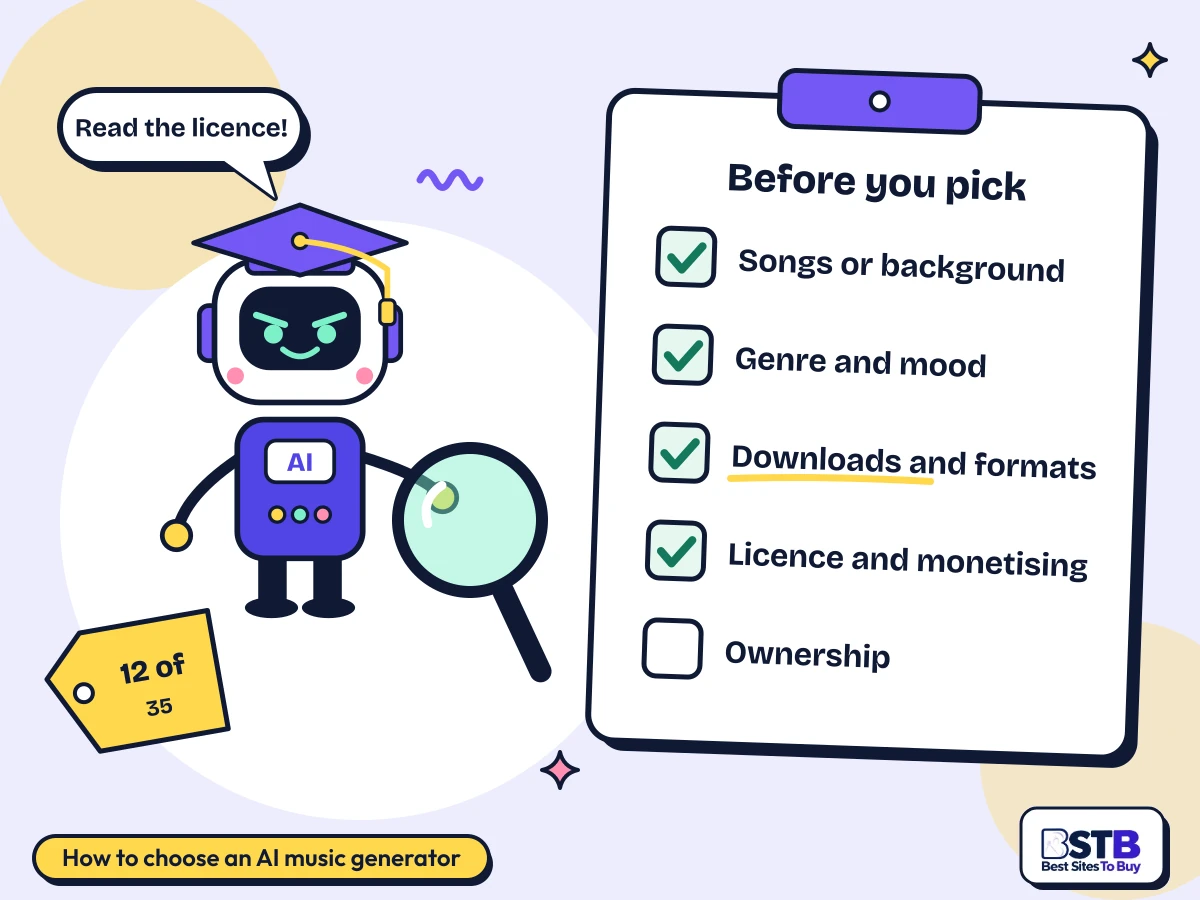
A good one sounds musical, gives you control over genre, mood and length, exports usable files, and states clearly what you can do with the music on each plan.
These overlap with BSTB's nine scoring criteria, which also weigh speed, support and integrations.
Describe the genre, mood, tempo and instruments, generate several versions, keep the best one, then extend, edit and export it on a plan whose licence covers your use.
Genre, mood, tempo, instruments, and vocals or none.
Results vary; keep the strongest and discard the rest.
Lengthen the track, replace weak sections, or split stems.
Confirm your plan covers commercial or monetised use.
WAV for editing, MP3 for quick use; keep the licence certificate.
The best AI music creation tools differ by job. Decide between songs and background music, test the sound in your genre, check the export formats, and read the licence and ownership terms for the plan you will use.
Vocals and lyrics, or instrumentals for video.
Test your style; quality varies by genre.
Some free plans cannot download at all.
Commercial and monetised use usually needs a paid plan.
Check whether you own the track or only license it.

All 12 tools here have a free tier, so free AI music generators are easy to try. But free plans often block downloads or commercial use, so most real projects need a paid plan.
Paid plans are affordable. Riffusion starts at $6 a month, Suno and Loudly at $8 a month billed yearly, Boomy at a reported $9.99, Soundraw at $11.04 billed yearly and Mubert at $14. Suno, Soundraw, Boomy and AI Song Maker let free users create and preview but not download; TemPolor gives watermarked MP3s.
| Pricing model | Tools on this page | What you get | Tools |
|---|---|---|---|
| Freemium | 12 of 12 | Free plan with limits, paid upgrade | Endel, Loudly, Suno, Artlist AI, Soundraw, Mubert, Riffusion, Stable Audio, TemPolor, AirMusic, Boomy, AI Song Maker |
Prices come from each tool's BSTB page; those marked reported need checking. TemPolor does not publish its paid prices. Licences often apply only to tracks made while you were subscribed.
AI music licences vary by plan, the vendor often keeps ownership, some tracks cannot be registered for YouTube Content ID, and purely AI-made music may not be protected by copyright.
BSTB scores every one of these AI music generators on the same nine criteria, and the overall score is the mean of the nine.
Scores are based on each tool's official pages, documentation, published pricing and licence terms, and hands-on checks where available. For music, output quality, control and clear licensing weigh most. Every overall score on this page matches the mean of its nine criteria to one decimal, checked in code for all 35 tools in the category. Read more about how BSTB tests and scores tools.
AI music generators overlap with these categories. Browse them or see the full AI tools directory.
Quick answers on making music with AI, songs from prompts, background music, genre and mood, lyrics and melody, royalty-free licences, monetised videos and instrumentals.
Pick a generator, describe the genre, mood and instruments or paste your lyrics, generate a few versions, then download the best one on a plan that covers your use.
For full songs, start with Suno or Riffusion. For background music, try Soundraw or Mubert, which let you set length and energy. These are good AI music generators for beginners because they need no music theory: you choose a style and adjust from there.
No competitor answers this as a question.
Yes. Seventeen of the 35 tools in this category make music from text, and Suno, Riffusion, AirMusic and AI Song Maker turn a prompt into a full sung song.
Describe the genre, mood, subject and vocal style: "upbeat indie pop about a summer road trip, female vocals". Suno writes lyrics, melody and instruments together. AirMusic makes songs up to 8 minutes. For instrumentals from text, Stable Audio and Mubert take prompts too.
Yes. Seventeen of the 35 tools target background music, and Soundraw, Mubert, Boomy and Artlist AI make tracks sized to a video's length and mood.
Soundraw lets you set length and energy and edit sections. Mubert renders instrumentals up to 25 minutes on paid plans. TemPolor can score music to an uploaded video. Pick instrumental tracks for voiceover videos so the music does not compete with speech.
Competitors list background music tools but do not answer this as a question.
Yes. Twenty-two of the 35 tools let you choose a genre or mood, either from a menu or in the prompt, though quality varies by genre.
Soundraw offers 30+ genres with mood choice. Loudly sets genre, energy, tempo and key. Suno and Riffusion take genre and mood in the prompt. Popular styles such as pop, lofi and cinematic usually sound best; niche genres can drift.
Yes. Song generators such as Suno, AirMusic, AI Song Maker and Riffusion write lyrics, melody and vocals in one pass, or sing lyrics you provide.
Suno writes from a text idea or your own lyrics. AirMusic and AI Song Maker include an AI lyric writer. Riffusion handles vocals, lyrics and arrangement and lets you replace sections. Thirteen of the 35 tools generate vocals or lyrics.
Often on paid plans, but not always and not on every plan. Nineteen of the 35 tools state royalty-free or licence terms, and free plans are usually personal use only.
Soundraw, Mubert, Loudly and TemPolor describe royalty-free licences tied to paid plans. Stable Audio says it trained on licensed data and gives a commercial licence on paid plans. Royalty-free does not always mean you own the track: several vendors keep ownership and license its use.
This is general information, not legal advice.
Usually yes on a paid plan, but check the plan. Only 10 of the 35 tools state monetisation rules, and some tracks cannot be registered for YouTube Content ID.
Loudly allows monetised social and YouTube use from its Personal plan up. Mubert allows it on Pro and Business only, and no plan can register tracks in Content ID. Boomy allows monetising on Creator and Pro, not Free. TemPolor provides a rights certificate that helps with claims. Keep your licence certificate in case a claim appears.
This is general information, not legal advice.
Yes. Twelve of the 35 tools make instrumentals, and background music tools such as Soundraw, Mubert, Boomy and Stable Audio make little else.
Soundraw, Mubert and Boomy produce instrumentals as their core output. Stable Audio makes instrumentals, loops and effects. Endel plays ambient soundscapes with no vocals.
It depends on the tool and plan. Some paid plans let you own the song, but several vendors keep ownership and only license the music to you.
Suno says paid subscribers own their songs, and Artlist AI's terms say it claims no ownership of outputs. Loudly, Mubert, Soundraw and TemPolor keep ownership and license use. Twelve of the 35 tools state who owns the output.
This is general information, not legal advice.
Some tools help you do it. Boomy and Loudly include distribution to streaming services, but each service has its own rules on AI music.
Boomy releases tracks to streaming from its platform, and Loudly includes distribution. Check the tool's licence allows release, check the streaming service's current AI content rules, and never imitate a real artist.
No competitor answers this as a question.
Every tool is scored from 1 to 5 on nine criteria, and the overall score is the mean of the nine. Output quality and clear licensing matter most here.
The nine criteria are Accuracy and Reliability, Ease of Use, Functionality and Features, Performance and Speed, Customization and Flexibility, Data Privacy and Security, Support and Resources, Cost-Efficiency and Integration Capabilities. Read more about how BSTB tests and scores tools.
Card ratings on the category listing show 0.0 because they count user reviews. The editorial score on each tool's page is the one used here.
The list is reviewed regularly and whenever a tool changes its pricing, licence, name or status. Status badges on the cards flag recent changes.
Music tools change fast: in this category one tool has shut down, one has disabled downloads, and one now runs under Google. If you spot an out-of-date price or a tool that should be listed, tell the team through the contact page.
Where a price is marked reported, confirm it with the vendor before subscribing.
Send us your tool's name, website and pricing. The BSTB team reviews every submission before it joins the AI tools directory.