The basicsWhat Are AI Low-Code No-Code Tools?
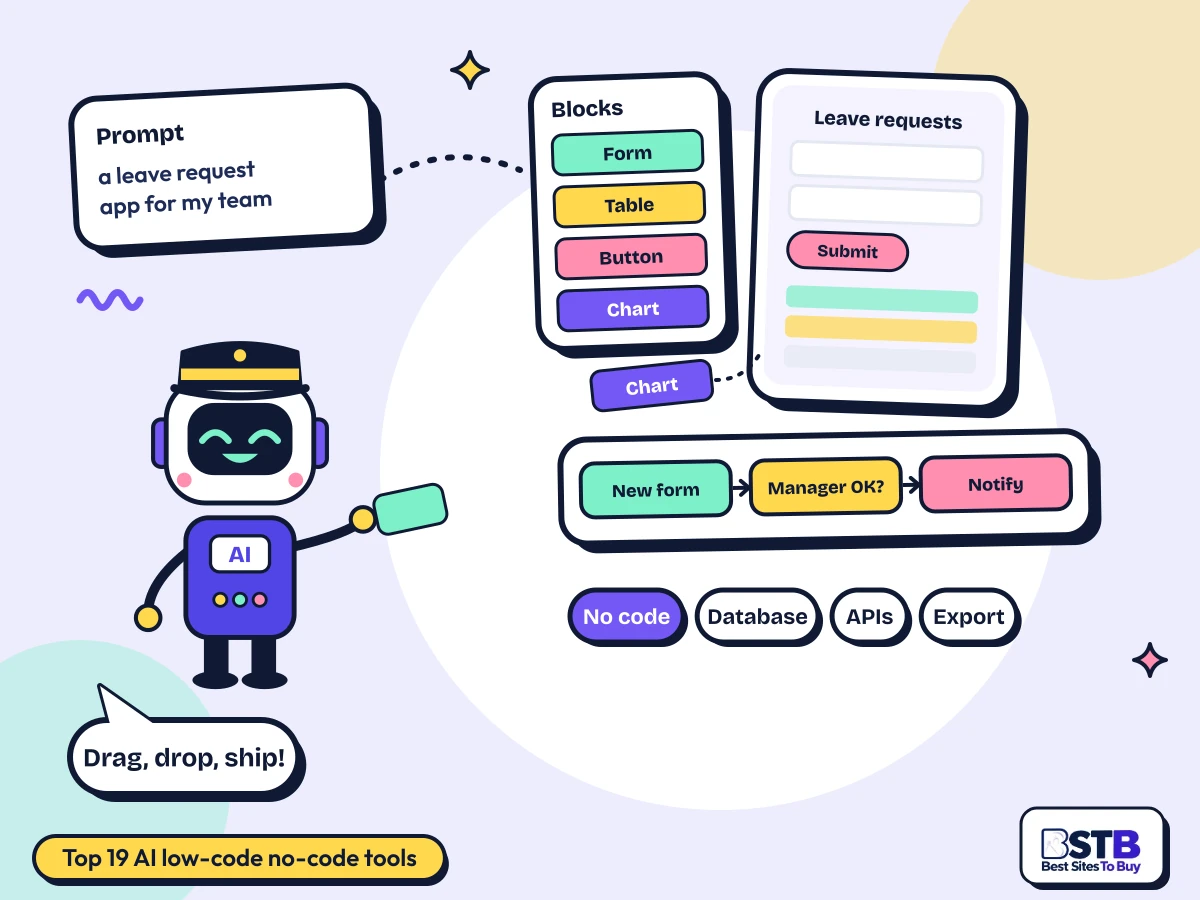
AI low-code no-code tools build software for you: describe an app, tool, automation or website, and the AI generates it, then you refine it visually or by chat.
They fall into four groups. Prompt-to-app builders such as Replit, Anything and YouWare write and host a full app from a chat. Internal-tool builders such as AI App Generator, Jestor and Softr create admin panels, approval flows and portals on your data. Automation platforms such as Zapier, Gumloop and UiPath connect apps into workflows. Website builders such as Hostinger Horizons, 10Web and Durable generate sites from a description.
Almost all are AI low-code no-code tools online, running in the browser with hosting included, and 17 of the 19 here have a free plan. Most charge by AI credits, so heavy building costs more than the headline price suggests.
The BSTB category is broad: 66 tools, including scrapers, ML platforms, analytics tools and vendor-run services. Three listed tools have no matching feature, and several are renamed, archived or dormant. Only tools that build apps, internal tools, automations or websites yourself are on this page.
How Do AI App Builders Without Coding Work?
You describe what you need; the AI plans data, screens and logic, builds the app, and lets you edit it by chat, visually or in code.
You describe it
"A leave request app for my team with manager approval."
It plans the app
Data tables, screens, roles and workflow steps.
It builds and hosts
A working app with a database and logins.
You refine and publish
Edit by chat or visually, connect data, then share.
What Can You Do With AI Low-Code No-Code Tools?
Build web and mobile apps from prompts, create internal tools and portals, automate processes across apps, launch websites, connect databases and APIs, and export code when you outgrow the builder.
- Apps from prompts: web apps, and mobile on some tools.
- Internal tools: admin panels, CRMs, approval flows.
- Automations: workflows across thousands of apps.
- Websites: landing pages, business sites, stores.
- Data connections: databases, spreadsheets and APIs.
- Code export: download, GitHub sync or self-host.