Canva
4.3/5Freemium
Template-driven design platform covering social posts, print collateral and decks in one account.
- Best for: Everything in one place
- Price: Free $0; Pro $144/year

23 tools
AI design generators produce a finished piece of graphic design rather than a picture: a poster with readable text on it, a social post sized for the platform, a logo with a brand kit behind it, a flyer you can send to a printer. This page ranks the 23 best AI design generators on BSTB by their 9-criterion score, each with its pricing model, what it outputs and a plain-English summary.
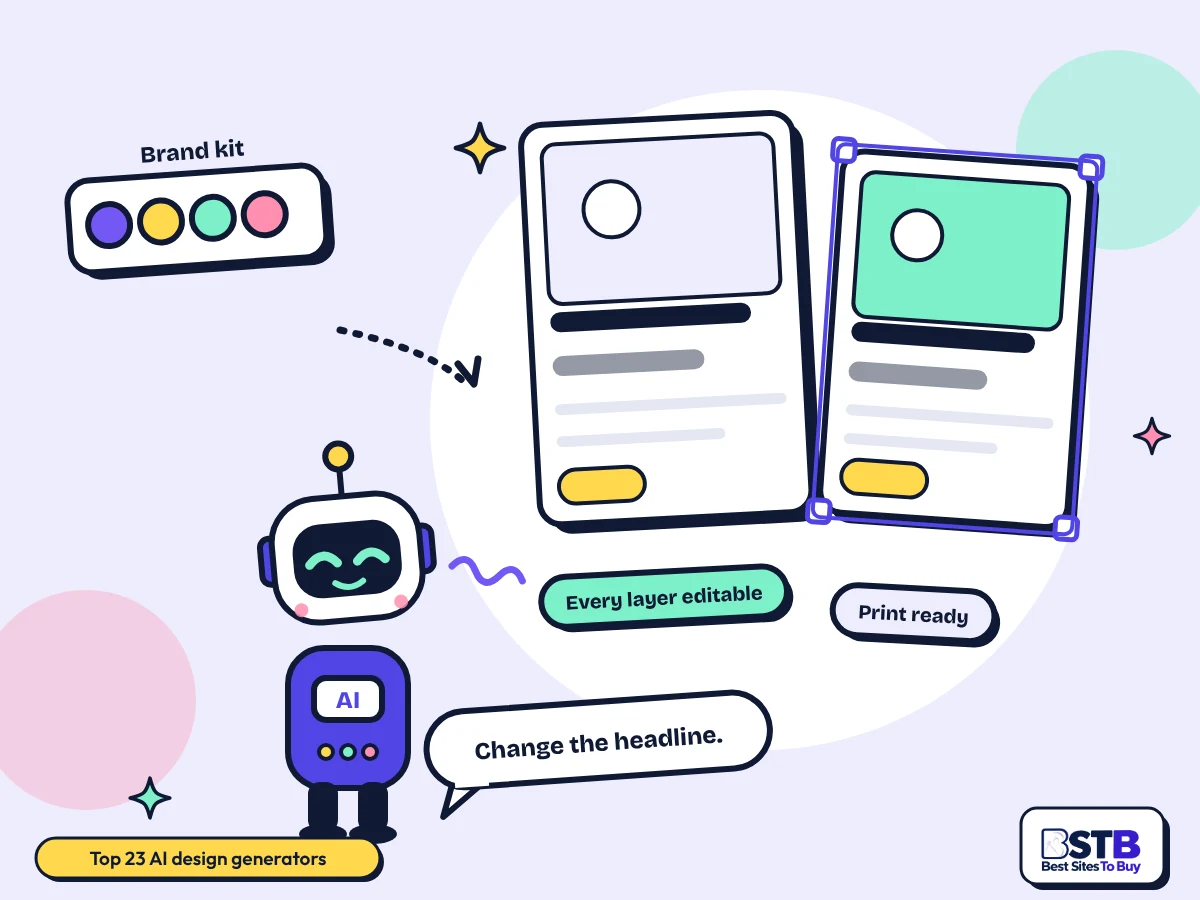
Every one of these AI design generators online has its own BSTB page with a pricing model, plan prices, what it produces and a score from the same nine criteria.
Canva leads at 4.3/5, with Ideogram, Kittl, Microsoft Designer and PosterMyWall at 4.1/5; every one of these AI design tools can be filtered by price or by what you need made.
Showing 23 of 23. Showing all 23
Template-driven design platform covering social posts, print collateral and decks in one account.
Text-accurate generator with a canvas and a resizer that outputs one creative at several ad sizes.

Vector-first editor for merch, posters and print-on-demand artwork, with real vector export.

Free Microsoft app that builds social posts, cards and invitations from a written description.

Poster, flyer and social template maker aimed at small local businesses, with pay-per-download.

Greetings Island tool that makes editable event invitations from a plain description of the event.

Logo maker that seeds a full brand kit of cards, flyers and social posts from the logo it generates.

Book writer with a cover studio and print-ready PDF output with page size and margin control.

AI template library and editor covering documents, designs, decks and social posts from one search.

Fashion design platform that also builds lookbooks and PDF tech packs from the designs it generates.

Enterprise platform producing on-brand ad and social creative at scale from a trained brand model.

Questionnaire-driven logo maker that returns a brand kit, a social file set and print-ready files.

Logo maker with a brand kit that reflows your identity onto cards, posts and other collateral.

Prompt generator for logos, posters, book covers and social graphics from one text box.

Layered AI design canvas for ad layouts, mock-ups and posters, where every element stays editable.
Writes and lays out multi-slide carousels for LinkedIn, Instagram and TikTok in one pass.

Drag-and-drop canvas that builds on-brand ad creative around a product shot you upload.

Builds editable PowerPoint decks from a topic, a link or a block of pasted text.

Builds click-ready 16:9 YouTube thumbnails from a video link or a written description.

Turns documents and links into auto-laid-out diagrams and timelines rather than freeform designs.

Template canvas that turns prompts into merchandise, posters and social graphics.

Free icon-based logo composer with background, size and rotation controls and no paid tier.

Prompt-to-layout generator producing editable layered posters and social posts rather than flat images.
AI design generators create layouts: text, images and shapes arranged into a finished design that you can still edit afterwards. An image generator makes a flat picture; a design generator makes a document.
That difference decides almost everything. A flat picture cannot have its headline changed, cannot be resized without cropping and cannot be exported as a vector for a printer. A layered design can. Canva, Kittl and Stylar all keep their elements separate, which is why the best AI design tools are editors with generation inside them rather than generators with an editor bolted on.
The category as published is wider than the name suggests. Of the 107 tools listed under Design generators on BSTB, only 25 actually produce a graphic design or a layout. The rest are image generators, interior visualisers, website builders, photo editors and, in seven cases, tools with no design function of any kind. This page lists the 23 that do the job.
You describe the design or pick a template, the tool generates a layout with real text frames and image slots, and you edit the parts you want changed.
Prompt-first tools generate from a sentence. Template-first tools start from a layout someone designed and fill it in. Template-first is more reliable and less exciting.
Headline, body, image, logo and background are placed as separate objects rather than painted into one picture. This is what makes it a design.
Change the headline, swap the photo, move the logo. If the tool will not let you, it generated a picture, not a design.
Social sizes, a print-ready PDF, or a vector file. The export options are where the cheaper tools usually fall short.
Make a poster or flyer, size one design for every social platform, generate a logo with the collateral around it, build a deck, produce ad creative at volume and turn a rough idea into something to react to.
Pick by what comes out of it: a layout or a deck, a poster for print, a logo and brand kit, social graphics and carousels, or ad creative at volume.
AI tools to create graphic layouts, including the template libraries and the deck builders. The broadest group, and the AI design generators for beginners mostly sit here. It includes the AI tools to create presentations and banners.
AI tools to generate posters and flyers, plus invitations, merchandise artwork and anything headed for a printer rather than a screen.
Logos and brand kits, where the logo is the start and the collateral around it is the point.
AI tools to design social media graphics, including multi-slide carousels and video thumbnails sized per platform.
An image generator paints one flat picture. A design generator builds a layout with separate, editable elements. If you need to change the headline later, you need a design generator.
| Design generator | Image generator | |
|---|---|---|
| What comes out | A layered, editable layout | A flat image file |
| Changing the text | Edit the text frame | Generate again and hope |
| Resizing | Reflows to a new size | Crop or regenerate |
| Print export | PDF, and sometimes vector | Raster only |
| Brand colours and fonts | Applied from a brand kit | Described in the prompt |
| On this page | Canva, Kittl, Stylar, Template.net | Covered in image generators |
A good one keeps every element editable, holds your brand colours and fonts without being asked each time, resizes a design properly rather than cropping it, exports what the destination needs, and states its commercial terms clearly.
These overlap with BSTB's nine scoring criteria, which also weigh ease of use, speed, support and integrations.
Five steps: set the brand kit first, generate at the final size, fix the text before anything else, resize for the other formats, then export in the format the destination needs.
Colours, fonts and logo before you generate anything. Otherwise you are correcting every design by hand instead of once.
A poster generated at social dimensions and enlarged afterwards will not print. Pick the output size at the start.
Generated copy is a placeholder. Correct it before you tune anything visual, because the layout reflows around it.
Automatic resizing reflows the layout, and it gets some of them wrong. Look at every size before you publish any of them.
Print needs a PDF at the right dimensions, not a screenshot. Check what the printer asks for before you pay for a plan.
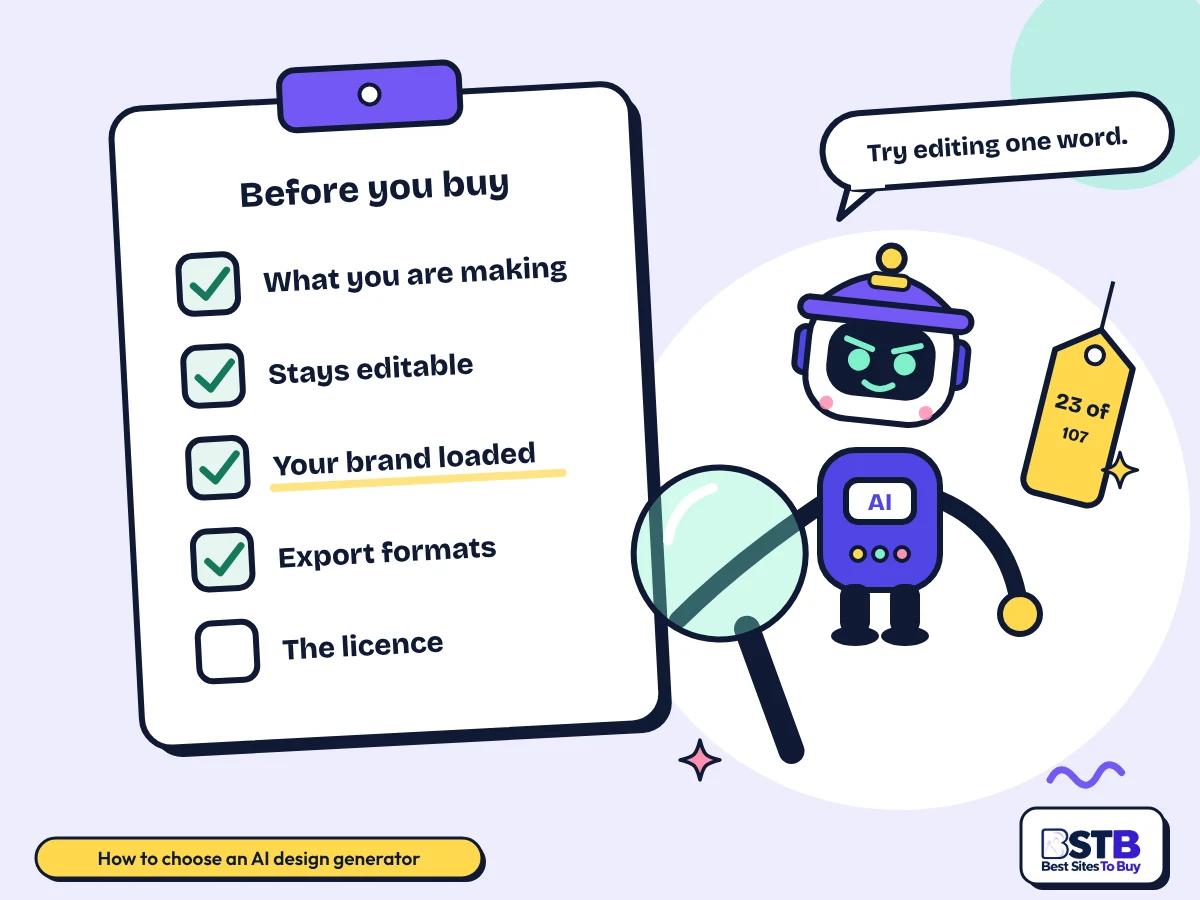
Decide what you are making, check that the output stays editable, test it with your own brand colours and fonts, confirm the export formats, and read the licence on the plan you will buy.
Poster, social post, logo, deck or ad set. Use the filter above the grid.
Generate one design and try to change the headline. That is the whole test.
Your real colours and fonts, not the defaults. Several tools handle this poorly.
Print-ready PDF and vector if you will ever enlarge or print the design.
Commercial terms vary more here than in any neighbouring category.
Free AI design generators are genuinely usable here: 19 of the 23 tools are freemium and one is free with no paid tier at all. Paid plans run from about $3 to $99 a month, with some sold per editor and some per download.
| Pricing model | Tools in the top 30 | What you get | Tools |
|---|---|---|---|
| Free | 1 of 23 | Everything free, no paid tier | LogoFast |
| Freemium | 19 of 23 | Free plan with limits, paid upgrade | Canva, Ideogram, Kittl, Microsoft Designer, PosterMyWall, AI Invitation Generator, Design.com, Inkfluence AI, Template.net, The New Black, Wix Logo Maker, Stockimg AI, Stylar, AICarousels, Flair AI, SlideTeam AI Presentation Generator, Fluig AI, Playground AI, MolyPix.AI |
| Paid | 3 of 23 | Paid only, sometimes with a trial | Typeface, Looka, ThumbnailCreator.com |
Prices come from each tool's BSTB page. Three cautions. Free tiers in this category usually watermark or restrict export rather than limiting how many designs you make, so test the export before judging the plan. Pricing shape varies more than price: per-editor seats, credit bundles and pay-per-download are all represented, and comparing headline numbers across those shapes is meaningless. And 30 of the 32 tools checked carry at least one price that could not be confirmed, is contradictory, or appears only after sign-in. Everything uncertain says reported on the card.
Generated text is often wrong, automatic resizing breaks some layouts, print output is weaker than the marketing suggests, and commercial terms vary sharply from one tool to the next.
BSTB scores every one of these generators on the same nine criteria, and the overall score on each card is the plain average of the nine.
Scores are based on each tool's official pages, documentation, pricing and public user feedback. Read the full method on how BSTB tests and scores tools.
Design generators overlap with these categories. Browse them when you need a narrower tool, or go back to the full AI tools directory.
Quick answers on generating a design from a text prompt, posters and flyers, branded social designs, editing individual elements, resizing, brand colours and fonts, print export and commercial rights.
Yes, and the ones worth using return a layered layout rather than a flat picture. MolyPix.AI at 3.6/5 and Stylar at 3.9/5 both generate designs whose elements stay separate and editable.
Prompt-first generation is fast and inconsistent. Template-first tools give you a layout a designer built and fill it with your content, which produces a better result more often. Most people get further starting from a template and editing than from a prompt and regenerating.
If you cannot edit the output, you have an image generator, whatever the tool calls itself.
Five tools here are built for it. PosterMyWall at 4.1/5 is aimed at small local businesses, and Kittl at 4.1/5 is vector-first for anything going to a printer.
Start from the finished size. A flyer is usually A5 or A4 and a poster A3 or larger, and generating at the wrong size then enlarging produces a blurry print. Playground AI at 3.7/5 covers merchandise and posters from templates, and AI Invitation Generator at 4.0/5 handles event invitations specifically.
Ask your printer what they need before you pick the tool. PDF at the right size with bleed is usually the answer.
Yes, and three tools here specialise in it. Microsoft Designer at 4.1/5 is free, AICarousels at 3.8/5 writes and lays out multi-slide carousels, and Canva at 4.3/5 covers every platform size.
Branded means the colours, fonts and logo are applied automatically rather than set by hand each time. That depends on the tool having a real brand kit, which is covered separately below. Without one, you are hand-correcting every post, and the time saving disappears.
Microsoft retired the Designer bot and banners in Teams in February 2026 and the standalone app is folding into Copilot.
In a real design generator, yes, and it is the test that tells you whether you have one. Text, images, shapes and the logo should all be separate objects you can select, move and change.
Some tools in this category return a flat image and call it a design. Stylar at 3.9/5 and MolyPix.AI at 3.6/5 both produce genuinely layered output, and Canva and Kittl are editors first with generation added. Test this before subscribing, because it is rarely stated plainly on a pricing page.
No competitor page makes this distinction, and it is the single most useful thing to know before you buy.
Yes, and it is one of the better reasons to use these tools. Ideogram at 4.1/5 has a resizer built for ad formats, and Canva resizes a design across every platform size in one action.
Proper resizing reflows the layout: the headline rewraps, the image recrops, the logo moves. It is not the same as scaling, and it gets some layouts wrong, particularly tall formats from wide ones. Generate the set, then look at every size before publishing any of them.
Automatic resizing saves the time. Checking each output is what stops it costing you more.
Through a brand kit, and the quality varies enormously. Of the 32 tools checked, 21 mention a brand kit, but for several that means a colour picker rather than a stored identity applied automatically.
The ones that do it properly store your palette, fonts and logo once and apply them to everything generated afterwards. PosterMyWall allows unlimited kits on its top plan, Looka and Design.com build the kit from the logo they generate, and Canva caps the number of kits by plan.
If you manage several brands, the number of kits allowed on each plan matters more than any other feature.
Sometimes, and this is the weakest-documented area in the category. Of the 32 tools checked, 21 say something about print export, only 5 name a vector format, and not one mentions CMYK.
The five with real vector output are Looka, Design.com, Wix Logo Maker, Kittl and one pattern tool. Looka exports PNG, SVG, EPS and PDF for signage and packaging; Wix Logo Maker returns 3000 by 3000 PNG plus SVG; Inkfluence AI outputs print-ready PDFs with page size and margin control.
No competitor page answers this. If the design is going on paper, treat export format as the first question, not the last.
They vary more here than in any neighbouring category, from permitted on every plan to a hard cap on printed copies. Of the 32 tools checked, 25 say something about rights and most only in passing.
Ideogram is the most permissive, stating that commercial use is allowed across all plans. Stockimg AI says paying subscribers own the commercial and copyright rights. Kittl is the most detailed and the most restrictive: a 500,000-copy cap on its Pro and Expert tiers, and published content that belongs to Kittl and may be used for AI training. Canva indemnifies enterprise customers only.
If the design will be printed in volume or carry your brand, read the licence for the exact plan before you buy.
No, and it is worth saying plainly. Of the 107 tools listed under Design generators on BSTB, 82 have no graphic-design or layout output at all. Only 25 genuinely do, and 23 of those are on this page.
The 82 break down as image generators, interior and architecture visualisers, website and app builders, photo editors, video and 3D tools, and developer APIs. Seven have no design function of any kind, including a call-booking tool for tradespeople, a clinical-notes tool and a circuit-board router whose layout is the electronics kind.
The category tagging is being corrected separately. This page reflects what the tools actually do.
For most people a template library is the better starting point. Template.net at 4.0/5 and Canva at 4.3/5 both start from a layout someone designed, which beats a prompt most of the time.
Generation from a prompt is impressive and inconsistent. A template is a layout that already works, and filling it with your content gets you a usable design more reliably. The generation is most useful for the parts inside the template: the background image, a variant headline, a resized version.
No competitor page frames the choice this way, and it is the decision that saves the most time.
The AI design generators for business are the ones priced per editor and built around a shared brand. Typeface at 4.0/5 is enterprise-only, Kittl at 4.1/5 prices per editor, and Canva at 4.3/5 charges per person on its Business plan.
Team use turns on three things that single-user pricing hides: how many brand kits you get, whether seats can be managed, and whether anyone is indemnified if a design causes a problem. Canva allows 1 kit on Pro and far more on higher plans, and indemnifies enterprise customers only.
No competitor page covers team or agency use. It is the clearest commercial gap in the set.
BSTB scores every generator on nine criteria: accuracy and reliability, ease of use, functionality, performance, customisation, data privacy, support, cost-efficiency and integrations.
The score on each card is the plain average of those nine. This category holds 107 listed tools, of which 32 were shortlisted and checked individually; 23 are on this page after seven shortlisted tools turned out, on reading their pages, to produce no design at all.
Card ratings on the category listing all show 0.0 and are never used for ranking.
BSTB rechecks this list whenever a tool changes its pricing, plans or availability, and reviews the whole category on a rolling basis.
Renaming is common here. Several tools on this page now trade under a different name, one has partly retired the product that earned its listing, and seven products listed in the wider category have been retired outright. Each tool's own BSTB page carries the last checked figures.
Where a price is marked reported, confirm it with the vendor before subscribing.
Send us your tool's name, website and pricing. The BSTB team reviews every submission before it joins the AI tools directory.