Graswald
4.0/5Paid
Generates catalogue imagery for apparel brands (packshots, flatlays, on-model shots, product clips) from avatars, poses and lighting set up once.
- Best for: On-model catalogue images for brands
- Price: Enterprise; contact sales

7 tools
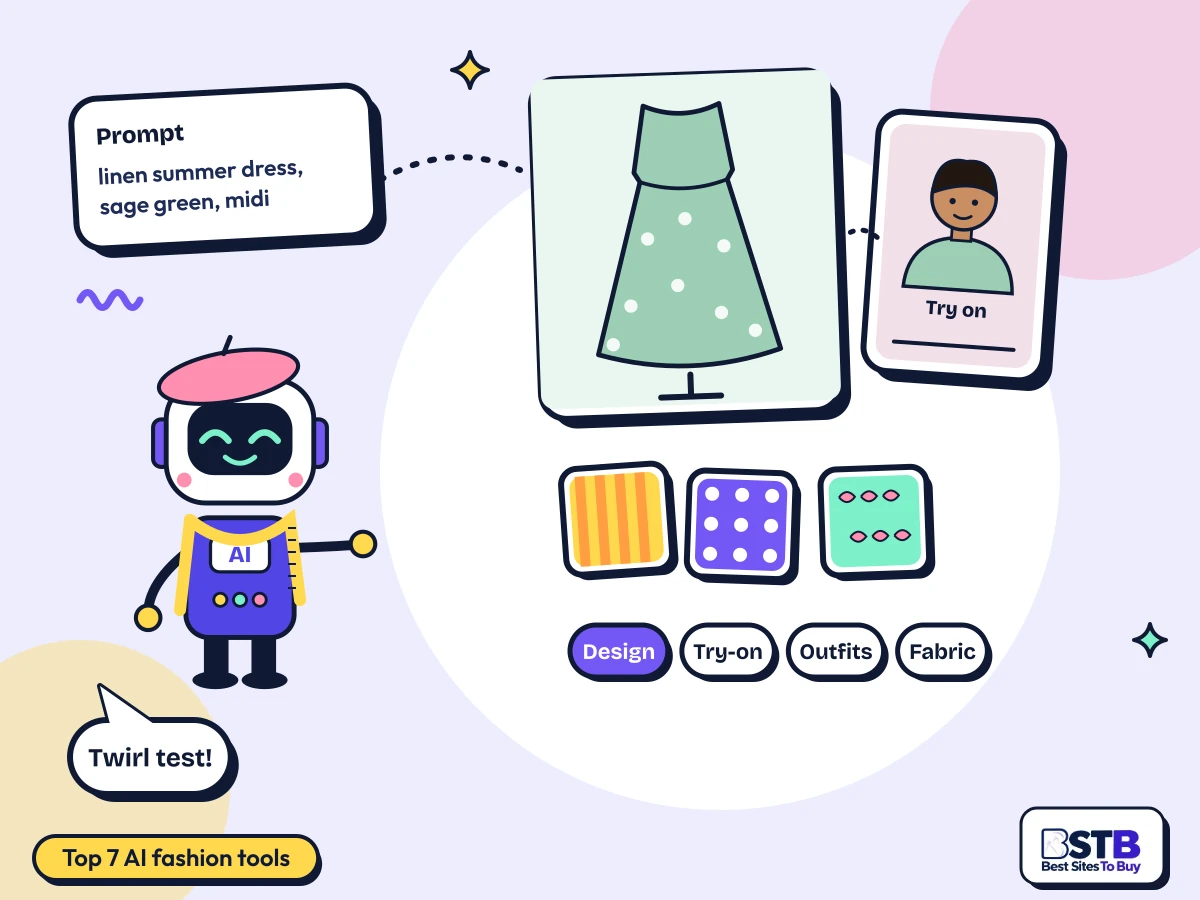
AI fashion tools design garments from a prompt or sketch, put clothes on a model or on you, suggest outfits, visualize fabrics and prints, and create on-model photos for online shops. This page ranks the 7 best AI fashion tools on BSTB by their 9-criterion score, with what each one makes, who it is for, and what it costs.
Every tool here has its own BSTB page with a pricing model, plan prices, commercial terms, photo privacy notes and a score from the same nine criteria. Four other tools tagged fashion were left off: one duplicate, one pivoted, one discontinued and one tattoo generator.
The New Black and Graswald lead at 4.0/5, with ViSenze at 3.9/5; filter the best AI fashion tools by price or by the job you need done.
Showing 7 of 7.
Generates catalogue imagery for apparel brands (packshots, flatlays, on-model shots, product clips) from avatars, poses and lighting set up once.

Fashion design suite that turns prompts, sketches or photos into garments, on-model shots, try-on images, short videos and draft tech packs, with Shopify links.

Retail search and discovery engine that adds photo, text and mixed product search, look-alike and complete-the-look suggestions, auto-tagging and merchandising to shops.
Fashion design workspace that turns prompts into garment concepts, trains models on a brand's look and runs collections through to tech files and sourcing.

Browser app that trains a personal model on 5 to 15 photos of a person, then generates new photos and short videos of them in other outfits, poses and scenes.

Facetune selfie colour analysis: a short quiz plus a daylight photo assigns one of 12 seasons with clothing, makeup and hair colour advice.

Styling assistant that builds a virtual body from a user's measurements, suggests looks by taste and occasion and previews catalogue clothing on it.
AI fashion tools generate garment designs, dress models or you in clothes, suggest outfits and colours, and create product images, replacing slow sketching, sampling and photo shoots.
There are two audiences. Designers and brands use AI fashion design tools such as The New Black and Cala to turn prompts into garments, collections and tech packs, and Graswald to create on-model catalogue images. Shoppers use tools such as LookBook AI and Color Palette Flow to try outfits virtually and find colours that suit them, while ViSenze adds complete-the-look suggestions to online shops.
All 7 are AI fashion tools online, running in a browser or app, but most are paid: only 2 of the 7 have a free tier. Professional design and catalogue tools cost from about $15 to several hundred dollars a month.
The category is thinner than its 11 listings suggest. One tool is listed twice, one has pivoted away from fashion, one is discontinued, and one only designs tattoos. Of the 11 listed, none make mood boards and only one mentions trend analysis.
Image models trained on garments turn a prompt, sketch or product photo into new designs, and try-on tools fit a garment to a body or photo.
A prompt, a sketch, a product photo or your own photos.
Garment designs, fabric variations or on-model images.
Change fabric, colour, print, fit, model or pose.
Images, try-on shots, product photos or tech packs.
Design garments from prompts or sketches, build collections and tech packs, try clothes on virtually, get outfit and colour advice, swap fabrics and prints, and create product photos.
Pick by the job: clothing and collection design, virtual try-on, outfit ideas, fabric and print, product photos, or retail tools. Tools that do several jobs well appear in more than one group.
AI tools to generate clothing designs from prompts or sketches, and AI tools to design fashion collections through to tech packs.
AI tools to create virtual try-on images: clothes on a model, on your own photos, or on a body built from your measurements.
AI tools to build outfit combinations, from complete-the-look picks to colours that suit you.
AI tools to visualize fabric and patterns: change a design's fabric or print, or render your own fabrics accurately.
Catalogue and on-model images for product pages, without a photo shoot.
Designer tools create garments, collections and product images for brands. Shopper tools help people try on clothes and choose outfits. They differ in price, output and rights.
| For designers and brands | For shoppers | |
|---|---|---|
| Main job | Design garments and product images | Try on outfits and pick colours |
| Inputs | Prompts, sketches, product photos | Selfies, photos or body measurements |
| Outputs | Designs, tech packs, catalogue shots | Outfit ideas and try-on previews |
| Price | About $15 to $500+ a month | Free or about $10 to $20 a month |
| Rights | Commercial use usually included on paid plans | Personal use |
| On this page | The New Black, Cala, Graswald | LookBook AI, Color Palette Flow, Photo AI |
Photo AI sits in both: personal photos on Starter, commercial product videos on Pro and above.
A good one produces realistic garments and fabrics, keeps a collection consistent, exports what production or your shop needs, states commercial rights, and protects uploaded photos.
These overlap with BSTB's nine scoring criteria, which also weigh ease of use, support and integrations.
Describe the garment, generate several options, refine fabric and print, check it on a model, then export images or a tech pack for sampling.
Type, fabric, colour, fit, length and details.
Several variations; keep the strongest.
Swap materials, colours and patterns.
Try-on or on-model images in different poses.
Tech pack with size chart and bill of materials.
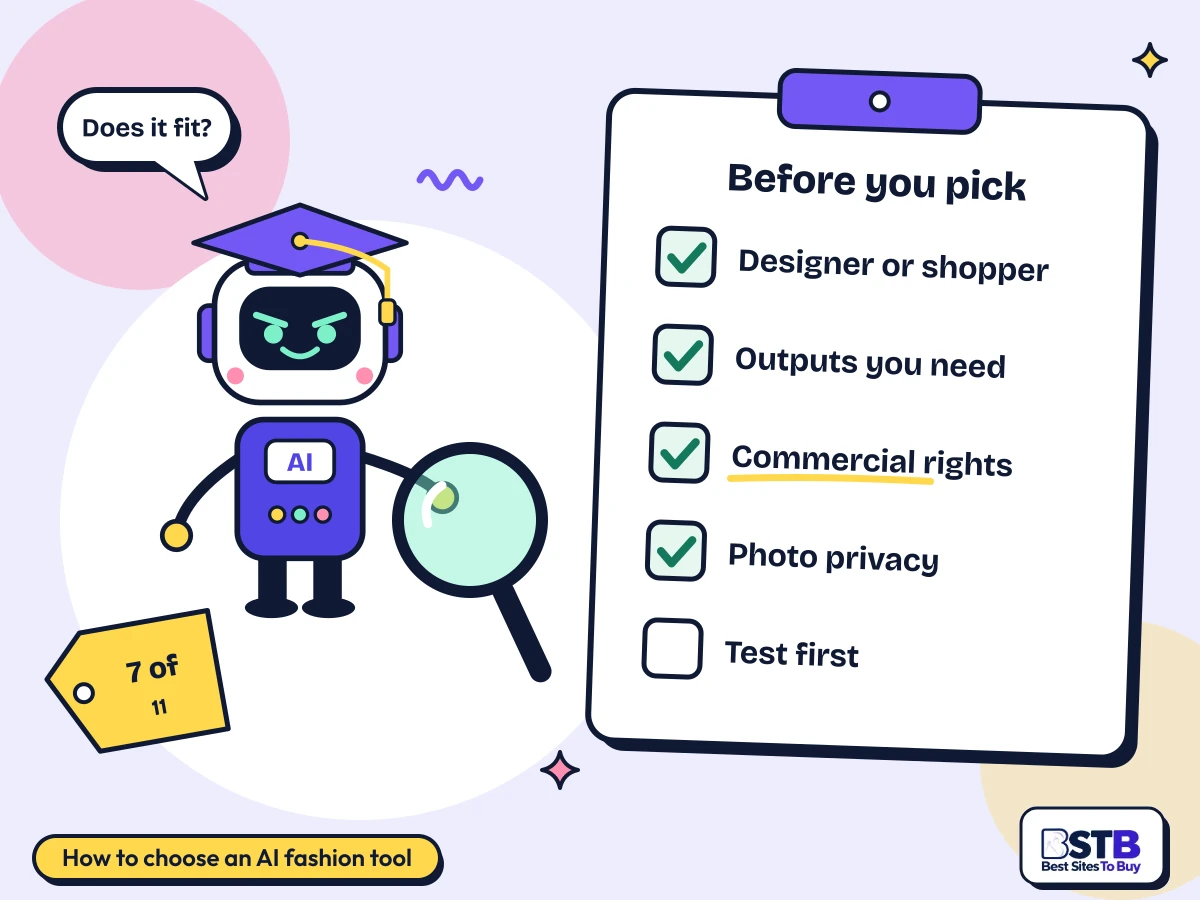
The best AI fashion design tools depend on your role. Decide whether you are designing or shopping, check the outputs you need, read the commercial rights and photo privacy terms, and test before you commit.
Design suites and try-on apps do different jobs.
Images, try-on shots, tech packs or product photos.
Only 3 of 11 state them. Check before selling.
What happens to photos of you or your models.
Free credits, trials or a demo before paying.
Free AI fashion tools are limited: only The New Black's signup credits and LookBook AI's reported free tier come at no cost. Most professional tools are paid.
Design tools start low: The New Black is $15 a month and Cala $19. Photo AI is $19 a month for personal use and $49 for commercial rights. Retail and catalogue tools are enterprise-priced: ViSenze starts at $480 a month and Graswald sells through sales. Color Palette Flow runs inside a Facetune subscription. AI fashion tools for beginners should start with free credits or a trial.
| Pricing model | Tools on this page | What you get | Tools |
|---|---|---|---|
| Freemium | 2 of 7 | Free plan with limits, paid upgrade | The New Black, LookBook AI |
| Paid | 5 of 7 | Paid only, sometimes with a trial | Graswald, ViSenze, Cala, Photo AI, Color Palette Flow |
Prices come from each tool's BSTB page. LookBook AI and Color Palette Flow prices are reported, and Graswald's are not published. Cala now trades as Mercer, so check the new site for current plans.
AI fashion images can show impossible construction, try-on can misjudge fit, few tools cover mood boards or trends, and rights to AI-generated designs vary by tool.
BSTB scores every one of these AI fashion tools on the same nine criteria, and the overall score is the mean of the nine.
Scores are based on each tool's official pages, documentation, published pricing and hands-on checks where available. For fashion tools, output realism, production readiness and clear rights weigh most. Every overall score on this page matches the mean of its nine criteria to one decimal, checked in code for all 11 tools in the category. Read more about how BSTB tests and scores tools.
AI fashion tools overlap with these categories. Browse them or see the full AI tools directory.
Quick answers on designing clothes, text-to-fashion, virtual try-on, outfits from photos, fabric patterns, mood boards, trend prediction and commercial use.
AI turns prompts or sketches into garment designs, varies fabric and print, shows the result on a model, and suggests outfits that work together.
The New Black designs garments from a prompt, sketch or photo and produces try-on images and tech packs. Cala turns prompts into garment concepts and runs collections through to tech files. For outfits, LookBook AI suggests combinations by style and occasion, and ViSenze adds complete-the-look picks to shops.
Yes. Four of the 11 tools tagged fashion generate designs, and The New Black and Cala turn a text prompt into garment designs.
Describe the garment type, fabric, colour, fit and details: "linen midi dress, sage green, puff sleeves". The New Black also takes sketches and reference photos. Cala can train on a brand's look so new designs stay on style. Generate several options and refine the best one.
No competitor answers this as a question.
The AI fits a garment image onto a body: a generated model, a model trained on your photos, or a body built from your measurements. Five of 11 tools offer it.
The New Black puts a real garment on an uploaded or generated model. Photo AI trains a personal model on 5 to 15 photos, then dresses it in uploaded clothes. LookBook AI builds a virtual body from your measurements and previews catalogue clothing on it. Try-on shows the look, not exact fit.
Competitors mention try-on only in passing.
Partly. Color Palette Flow suggests clothing colours from a selfie, ViSenze finds matching items from a product photo, and LookBook AI suggests looks from your measurements and taste.
Color Palette Flow places you in one of 12 seasonal colour types from a daylight selfie and lists clothing colours to favour or avoid. ViSenze powers photo search and complete-the-look suggestions in online shops. LookBook AI suggests full outfits by style and occasion. Four of the 11 tools recommend outfits.
No competitor answers this as a question.
Generate the garment, then swap fabric, colour and print in the tool, or render your real fabrics onto on-model images. Five of the 11 tools handle fabric or patterns.
The New Black changes a design's fabric, colour and print. Cala explores print variations. Graswald renders the fabrics, logos and patterns you supply closely in catalogue shots. Always check a physical swatch before production, because screens and AI renders shift colour and texture.
No competitor answers this as a question.
Not with a dedicated feature in this category: none of the 11 tools tagged fashion makes mood boards. You can build one from AI-generated images in a design tool.
Generate a set of looks, fabrics and colours in The New Black, whose Visual DNA keeps a collection's style consistent, then arrange them in your usual board or design app. Image and design generator categories on BSTB have more tools for this.
No competitor covers mood boards at all.
Only at retail scale here. ViSenze is the only one of 11 tools that mentions demand forecasting and trend spotting, and only for larger retailers.
ViSenze uses shop search and sales data for its trend features. For independent designers, AI can summarize trend reports and social signals, but treat its predictions as one input alongside your own research.
Competitors mention trend prediction only in passing.
Often, on the right plan. The New Black says outputs belong to the user on every plan, while Photo AI's Starter plan is personal use only. Only 3 of 11 tools state commercial terms.
The New Black gives users ownership of outputs, including on credit packs. Photo AI includes a commercial licence from Pro up. Copyright protection for purely AI-made designs is unsettled, and designs that copy another brand can still infringe. Keep records of your own edits and design choices.
This is general information, not legal advice.
Check each tool's policy first. Only 4 of 11 explain what happens to uploaded photos, and their terms differ.
Photo AI erases deleted photos permanently after 30 days. Cala says user data does not train its models. Color Palette Flow's app store label says content and identifiers are linked to you and used for tracking. Only upload photos of yourself or people who have agreed.
Two tools here can. The New Black drafts tech packs with size charts, grading and a bill of materials, and Cala produces tech packs and print-ready files.
The New Black exports tech packs as PDF. Cala runs collections through to tech files and sourcing. Have a pattern maker or technical designer check measurements and construction before sampling.
Every tool is scored from 1 to 5 on nine criteria, and the overall score is the mean of the nine. Output realism and clear rights matter most here.
The nine criteria are Accuracy and Reliability, Ease of Use, Functionality and Features, Performance and Speed, Customization and Flexibility, Data Privacy and Security, Support and Resources, Cost-Efficiency and Integration Capabilities. Read more about how BSTB tests and scores tools.
Card ratings on the category listing show 0.0 because they count user reviews. The editorial score on each tool's page is the one used here.
The list is reviewed regularly and whenever a tool changes its pricing, is renamed, or shuts down. Status badges on the cards flag recent changes.
Fashion AI tools pivot and rename often; in this category one is now Mercer, one has pivoted and one is discontinued. If you spot an out-of-date detail or a tool that should be listed, tell the team through the contact page.
Where a price is marked reported, confirm it with the vendor before subscribing.
Send us your tool's name, website and pricing. The BSTB team reviews every submission before it joins the AI tools directory.