AIEASE
3.9/5Freemium
Browser photo editor with dozens of one-click fixes plus selfie-to-headshot, passport photos and image/video generation.
- Best for: Cheap all-round portrait fixes
- Price: Free daily use, watermarked; Pro $9.99/mo

13 tools
AI portrait generators turn a few selfies into professional headshots, realistic portraits, artistic portraits or profile pictures. This page ranks the 13 best AI portrait makers on BSTB by their 9-criterion score, with how many photos each needs, how long it takes, what happens to your photos, and what it costs.
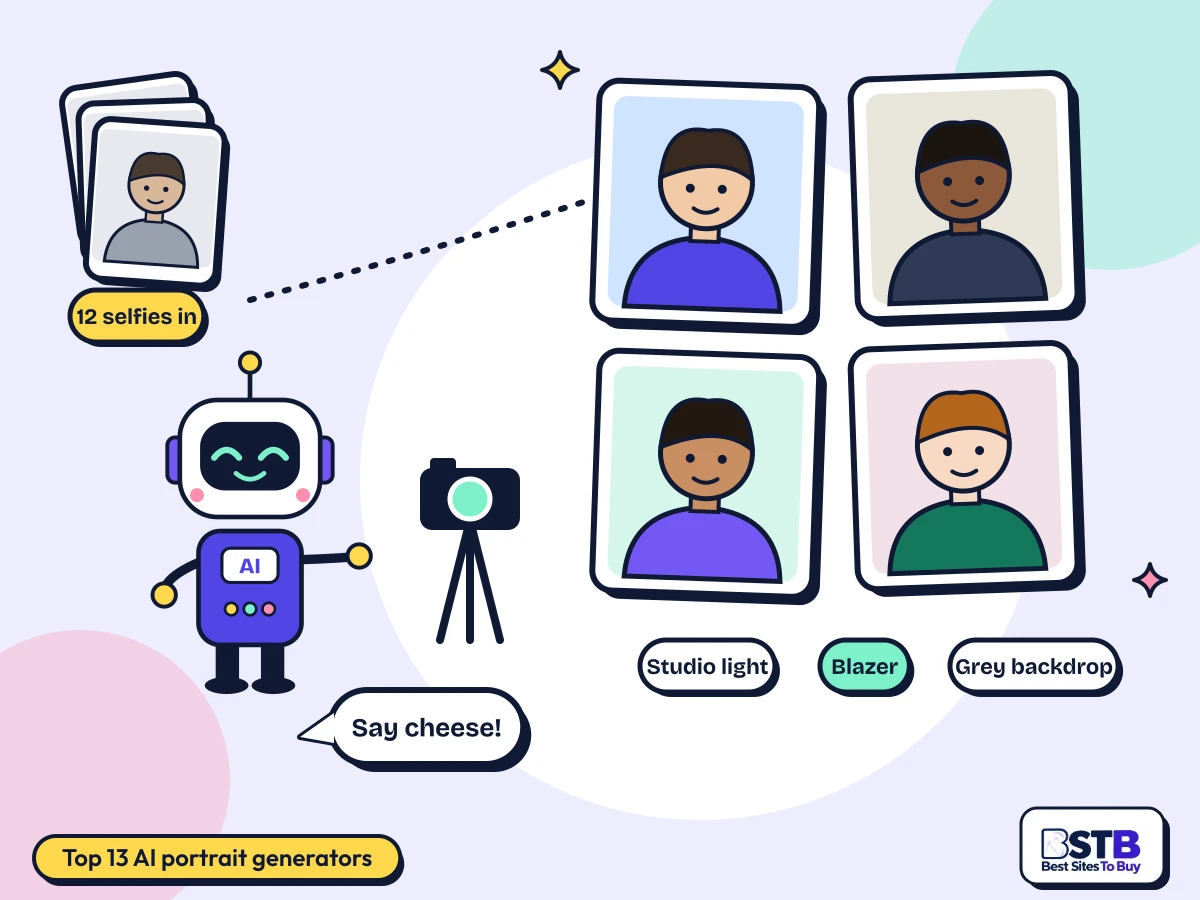
Every one of these AI portrait generators online has its own BSTB page with a pricing model, plan prices, photos needed, turnaround, data deletion terms and a score from the same nine criteria.
Showing 13 of 13.
Browser photo editor with dozens of one-click fixes plus selfie-to-headshot, passport photos and image/video generation.
Browser headshot service that trains on a handful of your selfies and returns 40 to 100 business portraits in your chosen outfits and backdrops.
Headshot service that builds a personal model from your selfies and returns business-attire portraits in packs of 40 to 200.

Browser image lab for mixing prompts, uploads and existing art, with slider-based trait blending of faces and characters.

Pieter Levels' selfie-trained avatar generator, now folded into Photo AI, rendering you in 120+ themed looks plus headshots and try-ons.

One-selfie headshot maker with no personal model training, returning four portrait variants per run in under a minute.

Selfie-trained business headshot service, now operating as Magic Studio, with pay-on-download packs.
Headshot feature of the AirBrush editor that retouches or regenerates real photos into clean business portraits with set outfits.

PFPMaker's selfie-to-avatar suite: AI headshots and lifestyle portraits on credits, plus free background removal, borders and photo fixes.
Slider-based editor that changes expression, gaze and head angle in an existing portrait rather than generating new ones.

Community-model image and video platform for anime, illustration and photoreal art, with characters, lip-sync and chat.
Template-based app that turns a photo of two people into stylised couple portraits and short romantic or playful animations.

Web and Android app that converts a single selfie into ID-compliant document photos, CV headshots and filter-styled creative portraits.
AI portrait generators create new portraits of you from uploaded selfies. You upload a few photos, choose outfits, backgrounds and styles, and the tool returns a set of headshots or artistic portraits.
Most work one of two ways. Headshot tools such as Aragon AI, ProPhotos and Insta Headshots train a small model on 5 to 15 of your photos and then generate dozens of studio-style headshots in chosen outfits and backgrounds. Quick tools such as HeadshotGenerator.io and Facefame work from a single selfie in seconds, trading some likeness for speed.
The category is headshots first. Of the 21 tools BSTB lists, 12 make professional headshots, 17 let you choose style, outfit or background, and 9 offer team plans for company photos. Only 6 claim photoreal output, 9 offer artistic styles, and just 1 makes portraits of more than one person in a frame.
The category as published also carries dead weight. Two tools have no portrait feature at all, one has dropped its AI generator, two have been retired and redirect to products that are already listed, and three are general editors or playgrounds. None of them are on this page.
You upload selfies, the tool learns your face from them, you choose looks, and it generates new portraits that keep your likeness in new outfits, lighting and backgrounds.
From 1 photo for quick tools to 5 to 15 for headshot packs. Variety in angle and light helps.
Headshot tools train a small personal model; quick tools work from one photo directly.
Outfit, background, lighting and style, from corporate to anime.
Dozens of portraits in minutes to hours. You keep the ones that look like you.
Get LinkedIn and resume headshots without a photographer, matching team photos for a company page, profile pictures for social accounts, artistic portraits, and couple or family scenes.
Pick by the job: professional headshots, realistic portraits, artistic portraits, selfies into portraits, or profile pictures. Tools that do two jobs well appear in both groups.
AI tools to generate professional headshots for LinkedIn, resumes and team pages. The AI portrait generators for business teams sit here.
AI tools to create realistic AI portraits. Only 6 of the 21 tools in this category claim photoreal or studio-quality output.
AI tools to make artistic portraits: anime, painted, fantasy and blended characters, plus couple and family scenes.
AI tools to turn selfies into portraits, from one quick selfie to a set of 5 to 15 photos.
AI tools to create profile pictures for social accounts and ID-style photos, with free starts for beginners.
A headshot generator makes realistic, professional photos of you for work. An artistic portrait generator makes stylised images for fun or profile pictures. They need different inputs and are judged differently.
| Headshot generator | Artistic portrait generator | |
|---|---|---|
| Goal | Look like a professional photo of you | A stylised image inspired by you |
| Photos needed | Usually 5 to 15 selfies | Often 1 photo, or none |
| Success test | Colleagues recognise you | You like the style |
| Turnaround | Minutes to a few hours | Seconds to minutes |
| Typical price | One-off pack, about $19 to $59 | Free tier or a small subscription |
| Use on LinkedIn | Yes, if it looks like you | Not as a professional photo |
| On this page | Aragon AI, ProPhotos, Insta Headshots, HeadshotGenerator.io | Artbreeder, SeaArt AI, Avatar AI, Couplelens |
Only one competitor separates portraits from headshots, yet they are different purchases with different success tests.
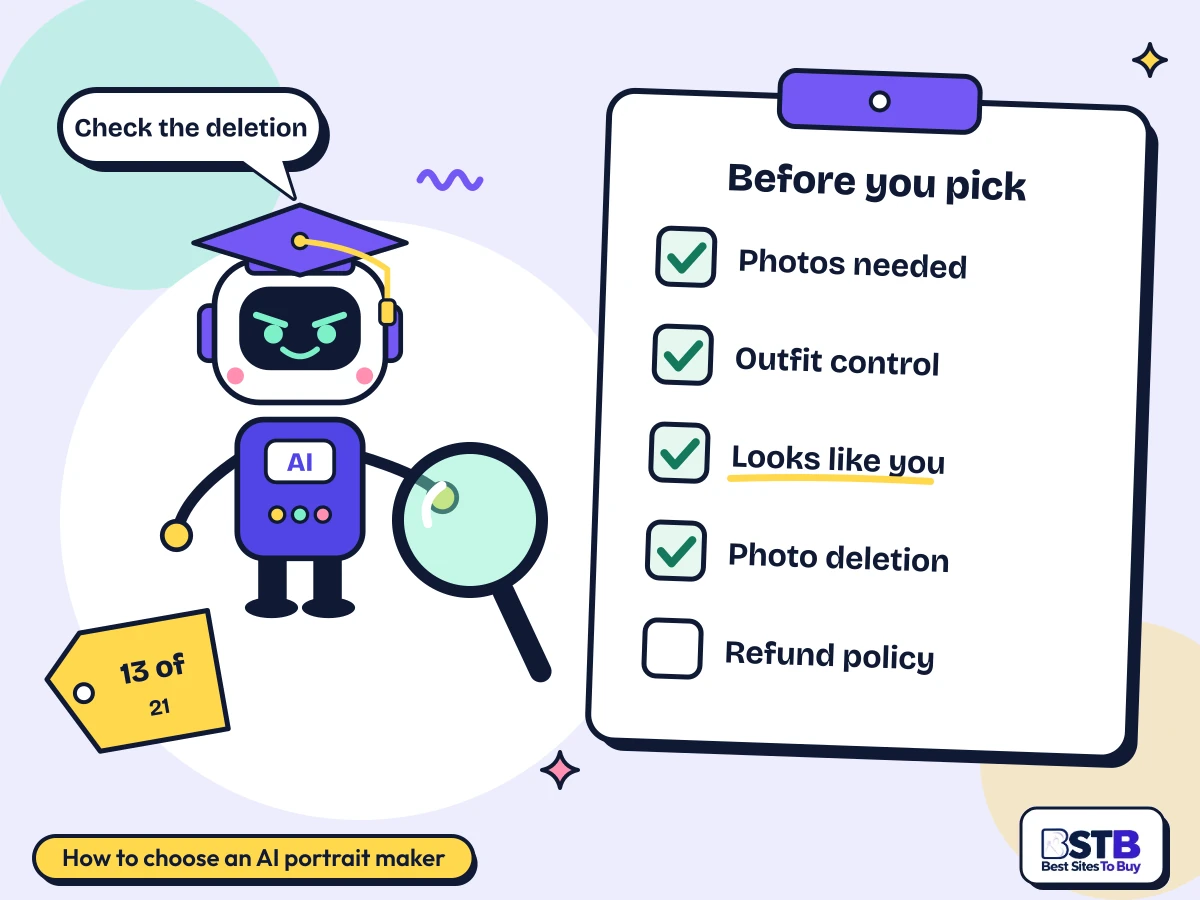
The best AI portrait maker keeps your likeness, lets you choose outfit and background, and deletes your photos on a stated schedule. A refund or preview comes next.
These overlap with BSTB's nine scoring criteria. Accuracy and Reliability and Data Privacy and Security weigh most here, because the input is your face.
Take varied, well-lit selfies, upload the number asked for, choose one or two looks and keep only the results that look like you. Then download in full resolution.
Different angles and light, no sunglasses or filters, face filling most of the frame.
From 1 photo to 5 to 15. Fewer or blurrier photos mean weaker likeness.
One or two outfits and backgrounds that match how you dress for work.
Discard anything a colleague would not recognise. Expect to keep a small share.
Download full resolution, then delete your photos and model if the tool allows.
Decide between a headshot and an artistic portrait, check the photos it needs and the outfit control, read the deletion terms, and look for a refund or preview.
1 selfie for quick results; 5 to 15 for headshot packs that look more like you.
Business clothing and plain backgrounds for LinkedIn; styles for profile pictures.
Check real customer samples and whether you can regenerate.
A stated period and a no-training promise. 12 of 21 tools state one.
Only 6 of 21 state one. Among AI portrait generators for beginners, a free test or preview matters most.
Free AI portrait generators exist, but most headshot tools are one-off paid packs. 7 of the 13 here have a free plan or credits; headshot packs usually cost $19 to $59.
Headshot packs are priced per set, not per month. HeadshotGenerator.io starts at $19 for 50 headshots, Aragon AI at $35, ProPhotos at $39 for 40 headshots and Insta Headshots from $59. Subscriptions are more common for artistic tools: Artbreeder from $7.49 a month and SeaArt AI from $4.99. AIEASE offers free daily use with watermarks and a $9.99 Pro plan.
| Pricing model | Tools on this page | What you get | Tools |
|---|---|---|---|
| Freemium | 7 of 13 | Free plan with limits, paid upgrade | AIEASE, Artbreeder, Profile Picture Maker, Reshot AI, SeaArt AI, Couplelens, Facefame |
| Paid | 6 of 13 | Paid only, sometimes with a trial | Aragon AI, ProPhotos, Avatar AI, HeadshotGenerator.io, Insta Headshots, AirBrush AI Headshots |
Prices come from each tool's BSTB page; several are reported or shown only inside an app. Three cautions. A pack price can hide a small number of usable images. Free tiers are often watermarked. And app trials, such as AirBrush's 7-day trial, may auto-renew.
Results do not always look like you, group photos are almost unsupported, refund terms are rare, and you are uploading your face. Check likeness, deletion terms and refund policy before paying.
BSTB scores every one of these AI portrait makers on the same nine criteria, and the overall score is the mean of the nine.
Scores are based on each tool's official pages, documentation, published pricing and hands-on checks where available. For portrait generators, likeness, privacy terms and value per usable image weigh most. Every overall score on this page matches the mean of its nine criteria to one decimal, checked in code for all 21 tools in the category. Read more about how BSTB tests and scores tools.
Portrait generators overlap with these categories. Browse them or see the full AI tools directory.
Quick answers on AI headshots, portraits from uploaded photos, how many photos you need, clothing and lighting, realism, LinkedIn use, photo safety and group portraits.
Upload varied selfies to a headshot generator, choose business clothing and a plain background, wait for the set, and keep only the images that look like you.
Aragon AI delivers in about 30 to 45 minutes, ProPhotos in 30 to 90 minutes depending on the pack, and HeadshotGenerator.io in under a minute from one selfie. Packs usually include 40 to 100 images, of which you will keep a handful. Choose one or two looks that match how you dress for work.
No competitor walks through generating a headshot step by step.
Yes, it is how most of these tools work. You upload one or more photos, and the tool generates new portraits that keep your face in new outfits, settings or styles.
Headshot tools such as Aragon AI and Insta Headshots learn your face from several photos. Facefame and HeadshotGenerator.io work from one selfie. Reshot AI edits an existing portrait instead, fixing eyes and expressions. Avatar AI turns selfies into themed portraits in many styles.
From 1 to about 15, depending on the tool. More varied photos usually mean better likeness. 11 of the 21 tools in this category state a number.
HeadshotGenerator.io and Facefame need 1 selfie. AirBrush AI Headshots asks for 3 close-ups. Avatar AI needs 5 to 15 photos of one person, and Insta Headshots about 10. Aragon AI asks team members for 6 selfies.
Clothing and background, usually yes: 17 of the 21 tools offer style, outfit or background choices. Lighting is the weak spot; few tools let you set it directly.
ProPhotos offers 8 styles on Starter and 20 on Premium, Insta Headshots 5 looks on Standard, and HeadshotGenerator.io about 18 corporate styles. Lighting usually comes bundled with the style rather than as its own setting.
No competitor covers lighting at all.
The best are convincing at a glance, but some images in every set miss your likeness. Only 6 of the 21 tools here claim photoreal or studio-quality output.
Aragon AI, ProPhotos and Insta Headshots claim realistic, studio-style results. Common giveaways are smoothed skin, odd ears or hands, and backgrounds that look too perfect. Expect to keep a small share of the set and discard the rest.
Generally yes, if the portrait looks like you. A headshot that misrepresents your appearance defeats the purpose, and some employers prefer real photos.
Aragon AI and Insta Headshots are aimed at LinkedIn headshots. Choose the result a colleague would recognise, avoid heavy retouching, and check whether your employer or industry has guidance on AI-generated photos.
No competitor covers LinkedIn and resume use as a question.
Pick a tool that states a deletion period and promises not to train on your photos, then delete your uploads and model once you have your results.
Aragon AI deletes or anonymises face data within 30 days of delivery, ProPhotos auto-deletes models after 30 days, Insta Headshots auto-deletes after 30 days and says it does not train on uploads, AIEASE deletes within 7 days, and Profile Picture Maker reports auto-deletion after 24 hours. 9 of the 21 tool pages say nothing about this.
No competitor covers photo protection as a question.
Rarely. Only 1 of the 21 tools in this category, Couplelens, makes couple and family portraits; the rest generate one person at a time.
For a team, headshot tools generate each person separately in matching styles, which is usually what a company page needs. Composite group photos made from separate portraits often look unnatural.
Look for a refund or a pay-after-preview option before buying. Only 6 of the 21 tools here state a refund policy.
Aragon AI, HeadshotGenerator.io, Insta Headshots and Avatar AI state refund terms. Better input photos are the best fix: more variety, better light and no filters.
No. A headshot aims to look like a real photo of you; an avatar is a stylised or animated character. BSTB covers avatars in its own category.
If you want a talking video presenter or a cartoon version of yourself, see BSTB's Avatars and Cartoon Generators categories.
Every tool is scored from 1 to 5 on nine criteria, and the overall score is the mean of the nine. Likeness and privacy terms matter most here.
The nine criteria are Accuracy and Reliability, Ease of Use, Functionality and Features, Performance and Speed, Customization and Flexibility, Data Privacy and Security, Support and Resources, Cost-Efficiency and Integration Capabilities. Read more about how BSTB tests and scores tools.
Card ratings on the category listing show 0.0 because they count user reviews. The editorial score on each tool's page is the one used here.
The list is reviewed regularly and whenever a tool changes its pricing, is renamed, or shuts down. Status badges on the cards flag recent changes.
Headshot tools change hands and names often; two in this category now redirect to other products. If you spot an out-of-date price or a tool that should be listed, tell the team through the contact page.
Where a price is marked reported, confirm it with the vendor before paying.
Send us your tool's name, website and pricing. The BSTB team reviews every submission before it joins the AI tools directory.